A ticketless queue lets people join a line without taking a paper number or a plastic token. They scan a code or open a link on their own phone, get a place in line, and wait wherever they like until they are called. Staff run the line from a phone or tablet instead of shouting names. This guide explains how that works in a restaurant, clinic, barbershop, food truck or event. It also covers how it compares with paper tickets and wristbands, what can go wrong, and how to set one up without confusing your guests.
TL;DR
- A ticketless queue puts the place in line on the customer's own phone, so there is nothing to print, hand out, lose or collect.
- The version that needs no app download removes the biggest barrier: guests scan a code, open a web page and are in the queue.
- Paper still wins in a few places, such as no-phone guests and very short lines. Wristbands suit access control and capacity, not waiting in order.
- Most failures come from the setup, not the idea: poor signage, untrained staff and no fallback when the connection drops.
- Plan a simple backup, a visible way to see progress, and a short staff script before opening day.
Table of Contents
- What a ticketless queue actually is
- How it works for the person in line
- Digital ticket or paper ticket: what actually changes
- Wristbands versus a digital queue
- Why a ticketless queue reduces friction
- What can go wrong, and how to handle it
- Setting one up: what to decide first
- Our view: keep the guest's side to one step
- Try it without a hardware purchase
- FAQ
- Sources
What a ticketless queue actually is
In a traditional system, a person takes a numbered slip, watches a screen or listens for a shout, and stays close enough to hear. The ticket is the proof of your place. In a ticketless queue, the proof lives in software. Your place is a record tied to your phone or to a name and number you gave the host, and the operator moves it forward with a tap.
The phrase covers a few different things, and search results mix them up:
- Walk-in service queues: restaurants, clinics, barbershops, food trucks and service counters, where people physically arrive and wait to be served.
- Event virtual queues: attractions and festivals where a visitor reserves a slot for a ride, a session or an entrance rather than standing in line. Virtual queues are already standard at theme parks, and conferences, festivals and museums are adopting them too.
- Online waiting rooms for ticket sales: the web queues you meet when a popular show goes on sale. These manage website traffic, not people in a room, and they are a different topic.
This article is about the first two: in-person lines where you want to drop the paper.
How it works for the person in line
The flow is short, and that is the point. For the guest:
- They see a QR code or a short link at the door, on a table sign, on a kiosk or on a counter.
- They scan it and a web page opens in their phone browser. Nothing is installed.
- They enter what the business asks for, usually a name and a phone number, and sometimes a party size or a reason for the visit.
- They see their position and can step away.
- When it is their turn, they get a text or a call, or they see their number on a public screen.
For the operator, the other side is a list on a phone or tablet. They see who is waiting, call the next person, skip someone who has left, or add a walk-in by hand. A reception kiosk or a staff member can add guests who do not want to use their own phone, which matters more than most people expect.
If you want the longer explanation of this model, we cover it in virtual queues for customers and small businesses.
Digital ticket or paper ticket: what actually changes
Paper is not wrong. It is cheap, familiar and works without power. But it carries costs that are easy to overlook until a rush hits.
| Paper ticket | Ticketless (browser) queue | |
|---|---|---|
| Joining | Take a slip at a dispenser | Scan a code, enter details |
| Proof of place | The slip, which can be lost or swapped | A record on the system |
| Waiting | Stay within sight or earshot | Wait anywhere nearby |
| Calling | Screen, shout or bell | Text, call or public screen |
| Operator view | Often only the next number | Full list, with skips and edits |
| Running cost | Rolls, printers, dispensers | A software subscription |
| Guests without phones | Fully served | Need a kiosk or staff to add them |
The real difference is information. A paper slip tells the guest a number. A browser queue tells the guest where they are and tells you who is waiting, how long they have waited and who gave up. You can only improve a line you can see.
The one honest drawback is access. If part of your clientele does not carry a smartphone, you need a human or a kiosk to add them, and your staff must know to offer it. A mixed approach works well: ticketless for most, assisted entry for the rest.
Wristbands versus a digital queue
People often ask whether a wristband does the job of a queue. Usually it does a different job.
A wristband answers the question: is this person allowed in, and have they paid or registered? It is good for access control, age checks, re-entry and tracking who is inside. It is visible to staff at a glance, it cannot be forgotten at home, and it works with no phone at all.
A digital queue answers a different question: in what order should people be served, and when should I call them? It manages sequence and time, not permission.
So the choice depends on what is slowing you down:
- Use wristbands when the problem is entry, capacity or proving a purchase, such as a multi-day festival or a venue with zones.
- Use a digital queue when the problem is waiting: people crowding a stage-side food stand, a check-in desk, a clinic reception or a restaurant door.
- Use both when you run a larger event. The wristband gets people through the gate. The queue keeps the food area, the information desk and the merchandise counter orderly.
The mistake to avoid is handing out wristbands as a queue substitute for service lines. A band says that you are in, not that you are next.
Why a ticketless queue reduces friction
The biggest win is psychological. Waiting feels worse when you cannot tell what is happening. Harvard Business School researcher Ryan Buell studied abandonment in lines and found that when customers can see they are not in last place, they are much less likely to leave. A queue page that shows a position gives guests that signal even when they cannot see the line.
There are practical gains on the staff side too:
- No one has to shout names over a noisy room or a busy street.
- The doorway or counter clears, because waiting guests can sit, shop or walk nearby.
- Staff stop answering the same question, how long will it be, because guests can check themselves.
- Walk-aways become visible, so you can learn when and why they happen.
Physical layout still matters. A queue that works on screen can fail if people have nowhere comfortable to wait, so it is worth reading our notes on waiting area design that cuts perceived wait time.
What can go wrong, and how to handle it
Ticketless does not mean trouble-free. These are the failure points we see most, with a fix for each.
Guests who cannot or will not use a phone
Elderly guests, children with parents, tourists with no data and people with dead batteries will turn up. Keep a tablet or kiosk at the entrance, and train staff to add anyone by name and number in a few seconds. Give a spoken fallback too, such as a name on a clipboard that staff copy into the system.

Weak connections
A crowded venue can have poor mobile coverage. Post the QR code where signal is strongest, and consider a printed link and short code for anyone who cannot scan. Event guidance recommends that organizers train staff and keep a backup plan, such as offline scanning if the internet drops. A paper sheet at the host stand is the simplest version of that.
Crowding when identity checks are weak
Systems that check identity badly can create their own lines. A 2018 academic paper on ticketing notes that schemes aimed at curbing the secondary market often cause long venue queues when IDs are checked without adequate security or technology. The lesson for a service queue is to keep the joining step light. Ask only for what you need to call the person, and do not add verification you cannot process quickly.
Privacy
A queue holds names and phone numbers, so collect the minimum and say why. Research on contactless check-in suggests that tangible privacy mechanisms are generally easier to understand or verify, and one-size-fits-all privacy solutions rarely give good user experiences. In practice, that means a short note beside the sign-up form, a clear statement of when data is deleted, and custom fields that ask only what your business needs. If you serve patients, ask your compliance advisor what rules apply to your clinic before you collect anything beyond a first name and a number.
Hygiene and flow in clinics
Contactless joining also cuts shared surfaces and crowded waiting rooms. One 2024 study of a contactless check-in model reports that dynamic queuing and real-time data can manage visitor flow while lowering infection risks. That is a research finding in a hospital-type setting, not a promise for your waiting room, but it points the same direction as common sense: fewer people packed together.
Setting one up: what to decide first
Before you switch anything on, answer six questions.
- How many lines do you have? A single walk-in list is simple. A food hall or an event with several stalls needs several queues. See how we handle a browser-first multi-vendor queue.
- Who updates it? Pick one device and one person per shift to start. Add more devices as the team gets comfortable.
- How will people be told? Text, call, public screen, or a mix. Make sure the message tells guests how long they have to show up.
- What do you need to ask? Name and phone are enough for most. Add a party size for restaurants or a service type for a barbershop only if staff will actually use it.
- Where does the code go? Door, window, table, counter, flyer. Put it at eye level with a one-line instruction, such as scan to join the line, no app needed.
- What is the fallback? Decide in advance what staff do when the connection drops or a guest has no phone.
Staff and guests both need preparation. Event guidance says successful rollouts depend on staff training and attendee education, with employees empowered to help. A ticketing workflow checklist can help you structure that handover into clear steps. A five-minute briefing before opening is usually enough: show the screen, practice adding a walk-in, and agree who answers questions at the door.
QR codes also pull double duty at events, since the same code can bring people into the queue and collect contact details. These QR-first data capture tactics for organizers are worth a look if you plan to follow up with attendees afterward, as long as you tell guests what you will do with their details.
By business type, a few specifics:
- Restaurants: put the code on the door and on the host stand, and send a text a few minutes before the table is ready. More in our guide to phone queue management for restaurants, clinics and more.
- Clinics: use a walk-in list for same-day patients and keep reception free for people who need help. See walk-in waitlist systems for clinics and service venues.
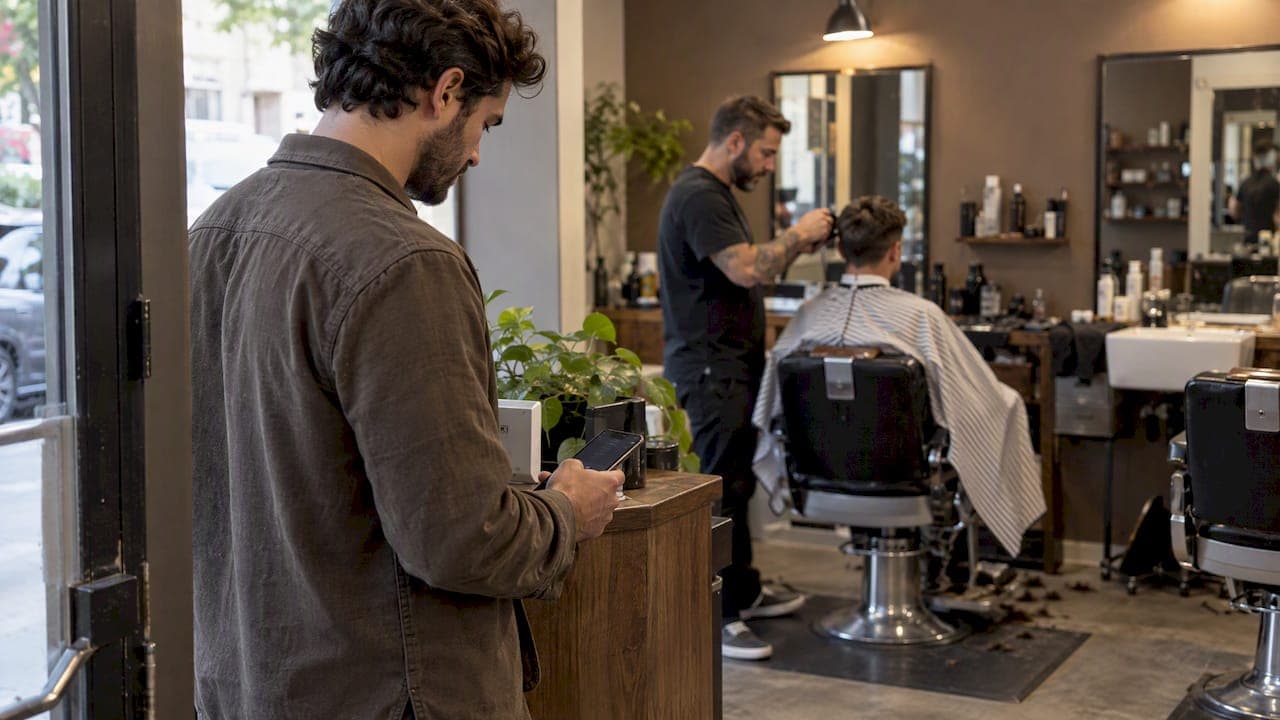
- Barbershops: let customers join from the sidewalk and go for coffee. The chair stays full and the shop stays calm.
- Food trucks: a public screen or a text means no crowd around the window and no mixed-up orders.
- Events: expect the peak to be sharper than the average. Our notes on planning for the 51% peak at conference check-in and on app-free event queue management fixes go deeper, and our outdoor queue playbook covers open-air setups.
Our view: keep the guest's side to one step
We built Ezseat around one belief: the customer should never have to learn anything. Every extra step, an app store visit, an account, a password, loses someone at the door, and those are exactly the people you are trying to serve. That is why guests join through a web browser, and why the operator runs everything from a phone or tablet they already own.

We also think the technology should disappear into the room. Public screens for ticket numbers, a reception kiosk for people without phones, text or call notifications, and custom fields for the few details you need are all there to support the staff member at the counter, not to give them a dashboard to babysit. If a tool adds more work than the shouting it replaced, it has failed.
Our advice for a first week is modest. Run one queue on one device, add a kiosk or a clipboard for the guests who need help, and watch the line for a few busy hours before adding anything else. Most businesses find the real gain is calm: fewer interruptions, fewer people hovering and a clearer picture of the rush.
— Ezseat
Try it without a hardware purchase
Ezseat is a web-based queue system, so there is nothing to install for guests and no hardware requirement for you. You get a free two-month trial before any charge. After that, Light is $3.90 per month or $39.00 per year, and Pro is $14.90 per month or $149.00 per year. Those are the prices published on our site, where you can start your trial and set up your first queue.
If you are still comparing approaches, our guide to the best queue management software for SMBs and our overview of web-based queues for events and businesses explain what to weigh.
FAQ
Is a ticketless queue the same as a virtual queue?
Mostly, yes. Both replace a physical line or paper slip with a place held in software. People use virtual queue more for reserving a time slot at an attraction, and ticketless queue more for walk-in service where the paper number has been dropped. The mechanics are the same either way.
Do customers need to download an app?
Not with a browser-based system. Guests scan a QR code or open a link and join from their phone's browser. That removes the most common reason people skip a digital queue.
What about guests who do not have a smartphone?
Give them a human or a kiosk route. A staff member can add a name and a phone number, or the guest can use a reception kiosk. Staff should offer this proactively, because guests rarely ask.
Are wristbands better than a digital queue?
They solve different problems. Wristbands show that someone is allowed in and are good for access control. A digital queue decides who is served next and when to call them. Large events often use both.
What happens if the internet goes down?
Keep a paper list at the host stand and a short code or printed link for those who cannot scan. Staff can copy the list back into the system when the connection returns. Decide this fallback before opening day, and make sure everyone on shift knows it.
Sources
- Virtual Queues and Smart Line Management in 2026
- Last Place Aversion in Queues, Harvard Business School
- Waterson, 2018 working paper on ticketing, University of Warwick
- Do You Need to Touch? Privacy and interaction study, 2024
- HealthPass: a contactless check-in and adaptive queuing study, Frontiers in Public Health
- Network Ticketing Workflow Checklist
- Data Capture Tips for Event Organizers