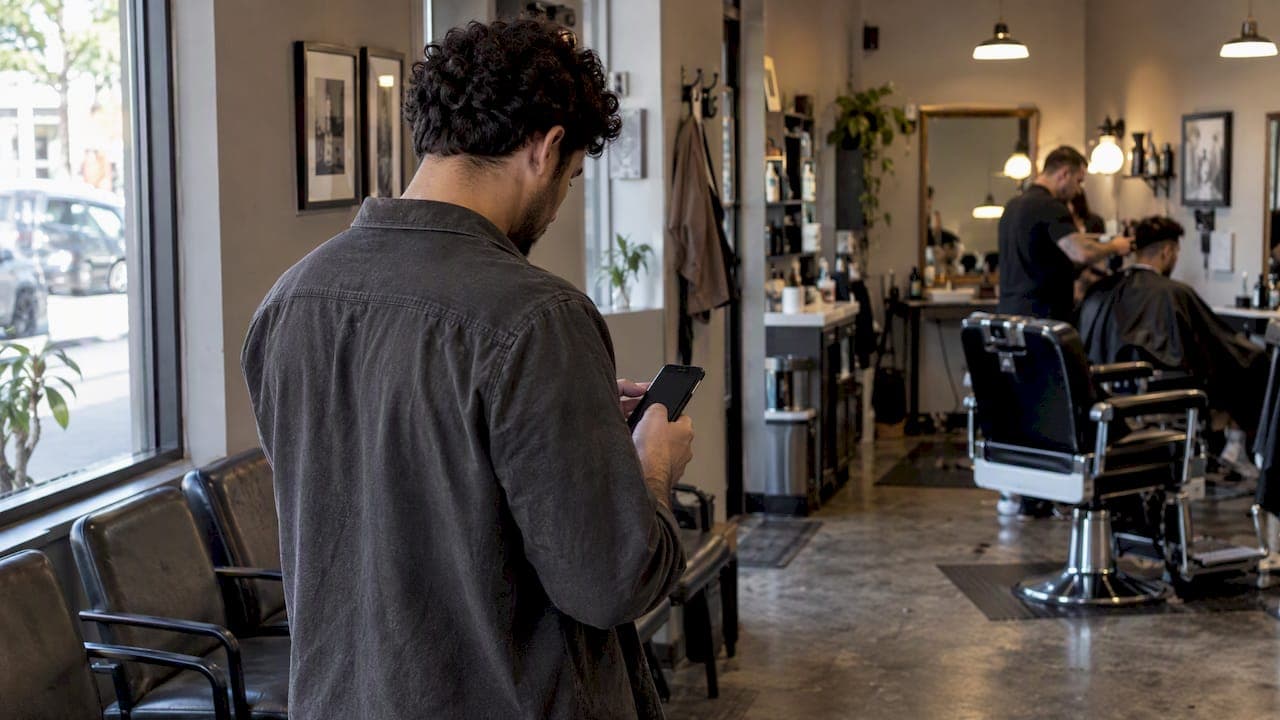
A queue numbering system issues numbered tickets, physical or virtual, to sequence customers for service in the order they arrive. The core payoff is fewer walkaways and a calmer waiting experience, since customers who know their place in line complain less and stick around longer. For most walk-in small and midsize businesses, a browser-based virtual queue gives the best balance of low setup friction and measurable operational gains.
TL;DR:
- A field experiment covering more than 1.4 million rides found abandonment shifted by as much as 19.6%, depending on how inaccurate initial wait estimates were.
- A study of more than 720,000 reviews found virtual queues reduced waiting complaints and improved satisfaction, with gains appearing in year one and holding afterward.
- Clinics serving older patients should keep staff available for counter check-in, while hybrid systems offer both kiosks and browser access.
- Pilot during a peak period, then track walkaways, average waits, and exit survey feedback before expanding the system to all business hours.
- Collect only a phone number and queue position, separate notifications from marketing consent, and clear or anonymize records after service.
Table of Contents
- How a queue numbering system works
- Types and formats of queue numbering systems
- What to look for when evaluating a queue system
- Why queue systems change how waiting feels
- How to choose a queue numbering system for your business
- Implementation checklist: step-by-step launch plan
- Ezseat: a browser-first system built around these best practices
- Data security and privacy considerations for queue systems
- When to move past paper tickets
- Try a browser-based queue numbering system
- FAQ
- Sources
How a queue numbering system works
A queue numbering system has four working parts. A check-in module captures each arrival, either through a kiosk, a tablet at the counter, or a web browser the customer opens on their own phone. A staff console lets whoever is working the floor see who is waiting, call the next number, and skip or reorder entries when needed. Public displays, whether a screen on the wall or a shared link, show the current number being served. A notification engine alerts customers by text, call, or on-screen update when their turn is close.
The everyday flow looks like this:
- A customer arrives and joins the queue through a kiosk, a QR code, or a browser link.
- The system assigns a position and shows an estimated wait.
- Staff work through the line from a console, calling numbers as service capacity frees up.
- The customer gets a notification when they're close to being served, often with a few minutes of lead time.
The difference between physical and virtual ticketing comes down to where the customer has to stand. A paper-ticket dispenser requires someone to be near the machine and often near the venue, so the queue and the waiting room are the same physical space. A virtual queue separates the two: the customer can join from across the parking lot, from their car, or from home, and only needs to show up when called.
Types and formats of queue numbering systems
Queue systems break down into a few practical formats, each suited to different venues and customer habits.
- Physical dispensers and displays work best in enclosed spaces with a single entry point, like a government office or a deli counter, where customers are already standing in the building and a printed number is simple to issue and track.
- Virtual queues let customers join by scanning a QR code or opening a browser link, then wait wherever they like until a text or call tells them to come in; this format removes the need for a physical ticket machine and suits restaurants, clinics, and food trucks where customers arrive on foot or by car.
- Hybrid setups combine both: a kiosk for walk-ins who prefer it, alongside a browser option for everyone else, often running several queues at once (one for dine-in, one for takeout, one for a specific department) from the same staff console.
- Priority or fast-track queues let certain customers (by appointment, membership, or a paid upgrade) move ahead of the general line. These can raise revenue or improve service for repeat customers, but they carry a fairness cost: research on queueing fairness shows that paid priority lanes can shift customer perception and choice, so the pricing and visibility of any fast-track option need careful design.
For a walk-in SMB without a dedicated waiting room, virtual and hybrid formats tend to cut both staffing load and customer frustration more than a pure physical setup.
What to look for when evaluating a queue system
Not every feature matters equally. A few categories drive most of the operational difference between systems.
- Check-in friction: a browser-based join flow removes the download step that app-only systems require, which matters most for first-time or occasional customers.
- Notification channels: text and voice calls reach customers reliably without them needing to watch a screen, though each channel can carry a messaging cost depending on the vendor.
- Public displays and staff consoles: multi-device support lets a host stand, a back counter, and a manager's phone all see the same live queue.
- Reporting and wait-time estimation: accurate, regularly updated estimates matter more than raw speed, since customers react to the information they're given, not just the actual wait.
- Data handling: a system that collects only what it needs (a phone number and a queue position) is easier to explain to customers and auditors than one that pulls in broader profiles.
- Accessibility: staff-assisted entry at the counter should remain available for customers who don't have a smartphone or don't want to use one.
Pro Tip: Test your notification flow with a real phone call and a real text message before launch, not just a demo account, so you catch delivery delays before customers do.
Why queue systems change how waiting feels
The biggest driver of satisfaction isn't the actual wait time, it's how that time is communicated and spent. A field experiment on a major ride-sharing platform covering more than 1.4 million rides found that both the size of a wait-time mismatch and how often the estimate updates change abandonment rates, with abandonment shifting by as much as 19.6% depending on how far off the initial estimate was. Conservative, consistently updated wait estimates perform better than optimistic ones that get corrected later.
One finding worth building a strategy around: virtual queues measurably change customer behavior at scale. A study of U.S. casual dining chains that mined more than 720,000 online reviews found that switching to virtual queues reduced pre-process waiting complaints and raised overall satisfaction, with the effect appearing in the first year and holding steady afterward. The mechanism is straightforward: a customer who can wait in their car or browse a shop nearby experiences active waiting, which reads as shorter and less stressful than standing in a line, a distinction also noted in research on ticket queues with balking customers. For the business, the same shift tends to stabilize throughput and reduce the stress on front-of-house staff who would otherwise manage a visibly growing line.

How to choose a queue numbering system for your business
Start with your customers, not the feature list. A clinic with older patients may need staff-assisted check-in alongside any digital option; a food truck with a young, phone-heavy crowd can lean almost entirely on browser-based join links.
Run through these criteria before comparing vendors:
- How long does setup take, and does it require new hardware?
- What's the pricing model: per month, per year, or per message sent?
- Which notification channels are included, and at what cost per text or call?
- Can the system handle multiple queues or locations as you grow?
- Does it integrate with appointment or scheduling tools you already use?
- Is there a staff-assisted or walk-up option for customers without a smartphone?
When you talk to a vendor, ask these questions directly:
- What happens if a customer's phone can't receive texts or has no signal?
- How is wait time calculated, and how often does it update?
- What data do you store about each customer, and for how long?
- What does a typical SMB pay per month, and does that scale with volume or queue count?
- How long does it take to go live from signup to first customer served?
For most single-location SMBs, expect a setup timeline measured in days rather than weeks, and a pricing shape built around a flat monthly or annual fee rather than a cost per customer served.
Implementation checklist: step-by-step launch plan
A queue system rollout works best as a short pilot, not a full commitment on day one.
- Map your current flow: where customers arrive, who checks them in, and where the bottleneck actually happens.
- Decide what data you'll collect for notifications (typically just a phone number) and how long you'll keep it.
- Set up public displays or shared links where customers can see their position.
- Configure notification channels and run test calls and texts to confirm delivery.
- Train staff on the console: calling numbers, skipping no-shows, and handling walk-up exceptions.
- Pilot during a real peak period and track walkaways, average wait, and a short exit survey on perceived wait.
- Adjust notification timing and wait-time estimates based on pilot results, then expand to full hours.
Pro Tip: Train staff on the console before worrying about screens or signage. A well-run queue with no public display still beats a confusing one with the fanciest setup.
Ezseat: a browser-first system built around these best practices
A browser-first approach removes the single biggest source of check-in friction: asking a customer to download an app before they can even join a line. We built Ezseat around that principle, letting customers join a queue from any phone's browser while operators manage the flow from their own phone or tablet, no shouting names or numbers required.
That design lines up directly with the feature checklist above:
- Multi-queue support for businesses running more than one line at a time (dine-in and takeout, for example).
- Public screens showing the current number being served, alongside staff consoles for calling the next customer.
- SMS and call notifications so customers don't need to watch a screen while they wait.
- No hardware requirement and no per-message cost built into the base plan structure.
For setup specifics, our guides cover launching a no-app waitlist and configuring display screens for counter calling.
Data security and privacy considerations for queue systems
A queue system only needs a small amount of information to function: a phone number, a timestamp, and a position in line. Collecting more than that, especially for marketing purposes, increases the system's risk without adding operational value. A system that keeps notification data separate from any marketing opt-in gives customers a clearer sense of what they signed up for and reduces the chance of a complaint about unexpected texts.
Short data retention matters as much as collection scope. A queue entry has no reason to persist once the customer has been served, so a system that automatically clears or anonymizes that record after service reduces what would need to be explained in a data request or audit. Businesses evaluating a vendor should ask directly how long phone numbers and queue records are stored and whether that data is used for anything beyond the single visit.
Accessibility ties into security in a less obvious way. Systems that require an app download often exclude customers on older phones or limited data plans, which pushes those customers toward manual, less documented workarounds like a staff member writing a name on paper. A browser-based join flow keeps everyone on the same system, which makes the full waiting population visible and auditable rather than split between digital and informal tracking.

When to move past paper tickets
Paper tickets and a shouted name work fine until the line gets long enough that walkaways start happening quietly, out of sight of the front counter. That's the real signal to upgrade, not a desire for new technology. If staff are spending more time managing the line than serving customers, or if feedback mentions confusion about wait times, a browser-based system pays for itself quickly.
Start small: test notifications and staff workflow before investing in screens or kiosks. The messaging and training matter more early on than any hardware.
— Ezseat
Try a browser-based queue numbering system
We built Ezseat so customers never need to download anything: they join a queue from a browser, and operators run the whole line from a phone or tablet. Setup typically takes less than an hour, and every plan starts with a free trial before any charge applies.

In your first 30 days, expect to run a pilot during peak hours, adjust notification timing, and add staff to the console as needed; support is available throughout. After the trial, Light starts at $3.90 per month or $39.00 per year, and Pro starts at $14.90 per month or $149.00 per year for higher-volume operations.
- Join a queue with no app, from any phone's browser.
- Manage multiple queues from one console across devices.
- Scale from a single counter to multiple locations without new hardware.
Check plans and start your free trial on Ezseat.
FAQ
What are the key principles of queuing theory?
Queuing theory models how customers arrive, wait, and get served, focusing on arrival rates, service rates, and how those combine to predict wait times and line length. In practice, the most useful principle for a walk-in business is that perceived wait, shaped by information and activity during the wait, affects satisfaction as much as the actual clock time, a pattern confirmed in research on wait-time information.
What does "no queuing" mean?
"No queuing" typically describes a virtual or browser-based system where customers don't physically stand in a line while waiting for service. Instead, they join remotely and get notified when it's their turn, which converts passive waiting into active waiting elsewhere, an effect linked to reduced complaints in research on casual dining chains.
What is the difference between a queue and a stack?
A queue serves entries in the order they arrive, first in, first out, which matches how customer lines actually work. A stack serves the most recent entry first, last in, first out, a structure used in computing but not in customer service queuing.
How much does a queue numbering system typically cost?
Pricing varies widely by vendor and feature set, but SMB-focused plans commonly run from a few dollars to around fifteen dollars per month depending on queue volume and notification channels. Ezseat's own plans, for example, run from $3.90 per month (Light) to $14.90 per month (Pro), both billed monthly or at a discounted annual rate.
How do I reduce walkaways with a numbering system?
Reducing walkaways comes down to giving customers an accurate, regularly updated wait estimate and a way to leave the physical line while they wait. Field research shows that both the accuracy and the update frequency of wait-time information directly affect how many customers abandon the line, with abandonment shifting by up to 19.6% depending on the mismatch size.
Sources
- The Psychology of Virtual Queue: When Waiting Feels Less Like Waiting
- Delay information in virtual queues: a large-scale field experiment
- Service performance analysis and improvement for a ticket queue with balking customers