A virtual queue lets you hold your place in line without standing in it, either by joining a remote waitlist for an in-person service or by entering an online waiting room that controls access to a busy website. Both versions preserve your order of arrival and use notifications, timed releases, or callbacks instead of a physical line.
TL;DR:
- Remote service queues still require an in person return, while website waiting rooms release visitors at a controlled rate with no physical visit.
- Park boarding groups require linked tickets and an account; check the day's eligibility and opening time, then watch for a limited return window.
- Visible real time position updates reduce uncertainty and improve perceived fairness, even when they do not shorten the actual wait.
- Small venues can avoid app downloads with browser links or QR codes; operators should test SMS and browser alerts with staff before launch.
Table of Contents
- On-site queues vs. online waiting rooms: two different meanings
- How virtual queues work: the mechanics behind the wait
- Where you'll actually encounter virtual queues
- What customers and businesses both gain
- How to join a virtual queue: a Disney-style example
- Choosing how to implement a virtual queue as a business
- Why transparency beats speed in queue design
- A browser-first option for businesses ready to set one up
- FAQ
- Sources
On-site queues vs. online waiting rooms: two different meanings
The term "virtual queue" actually covers two distinct setups, and knowing which one applies changes what you need to do next.
The first is a hybrid on-site and remote queue: you check in remotely (by phone, app, or browser) but still return in person when it's your turn. Theme parks use this for ride access, and restaurants use it so you can wait in your car or run an errand instead of standing by the host stand. The University of Illinois queue resources describe this model across restaurants, clinics, banks, and government offices, where staff manage one live order of service while people wait elsewhere.
The second is an online waiting room that meters traffic to a website or app during demand spikes, common for ticket onsales and product launches. Here, there's no physical return involved. You're held in a digital line and released at a controlled rate so the site doesn't crash or oversell.

Knowing which type you're facing determines whether you need an app, a browser tab, or just a phone number on file.
How virtual queues work: the mechanics behind the wait
Most virtual queue systems share a small set of building blocks, even though the use cases vary widely.
- Admission and ordering: Entries are typically processed first in, first out, often through tokens or boarding groups that lock in your position the moment you join.
- Controlled release: Online waiting rooms release visitors in batches or at a set rate to prevent server overload, a method widely used for registrations and high-demand sales according to university queue research.
- Notifications and wait estimates: SMS, push alerts, or browser notifications tell you your position or estimated wait, often calculated from rolling averages of recent service times.
- Callback flows: Call centers and in-person services use virtual placeholders so you can hang up or step away and get called back near your turn, a method detailed in patent filings for virtual line systems that describe check-in and check-out tracking.
These components combine differently depending on whether the goal is managing foot traffic, phone volume, or website load, but the underlying logic of preserving order while freeing up your time stays consistent.
Where you'll actually encounter virtual queues
Virtual queues show up in more places than most people realize, often without the person waiting even thinking of it by that name.
- Theme parks and attractions use boarding groups or timed entry, with Disney's virtual queue guidance and similar Universal systems replacing or limiting standby lines.
- Restaurants, cafés, and food trucks offer remote waitlists so you can wait nearby instead of crowding an entrance.
- Ticket sales and product launches rely on online waiting rooms to protect site capacity during traffic spikes.
- Universities, government offices, clinics, banks, and event venues use service-desk and appointment queues to manage walk-ins alongside scheduled visits.
- Call centers use callback-based virtual queuing so callers aren't stuck listening to hold music.
The common thread is that staff or systems process one order of service while people wait somewhere other than a physical line.
What customers and businesses both gain
For customers, the appeal is straightforward: less time standing around, the ability to run errands or sit down while you wait, and a clearer sense of when you'll actually be served. That predictability matters more than it might seem. Research on administrative queue systems found that visible, real-time position information reduces uncertainty and the sense of being overlooked, which improves perceived fairness even when total wait time doesn't change.
For businesses, the gains are operational. Reduced crowding at entrances or service counters, more predictable throughput, and protection against oversold tickets or crashed websites during demand spikes are the main draws. A case study evaluation at Bulacan State University found that a web-based queue and appointment system improved administrative efficiency and reported strong usability among staff and students after adoption.
Staff also benefit from the data these systems generate: clearer visibility into peak periods helps with scheduling and planning ahead of busy stretches.

How to join a virtual queue: a Disney-style example
Theme park boarding groups are one of the most recognizable virtual queue formats, and the steps translate well to most other systems.
- Prepare in advance: Make sure you have app or browser access and that your tickets or account are linked, since Disney's official guidance notes that virtual queues require this setup before you can join.
- Check distribution times: Availability windows and eligibility rules vary by day and by experience, so confirm the schedule before it opens.
- Join at enrollment time: Enter at the exact moment the queue opens, confirming your party size or contact number as prompted.
- Watch for your notification: Return promptly once you're called, since boarding groups and similar systems often have limited windows to check in.
Rules differ by operator, so always confirm the specific eligibility and timing details for the service you're using.
Choosing how to implement a virtual queue as a business
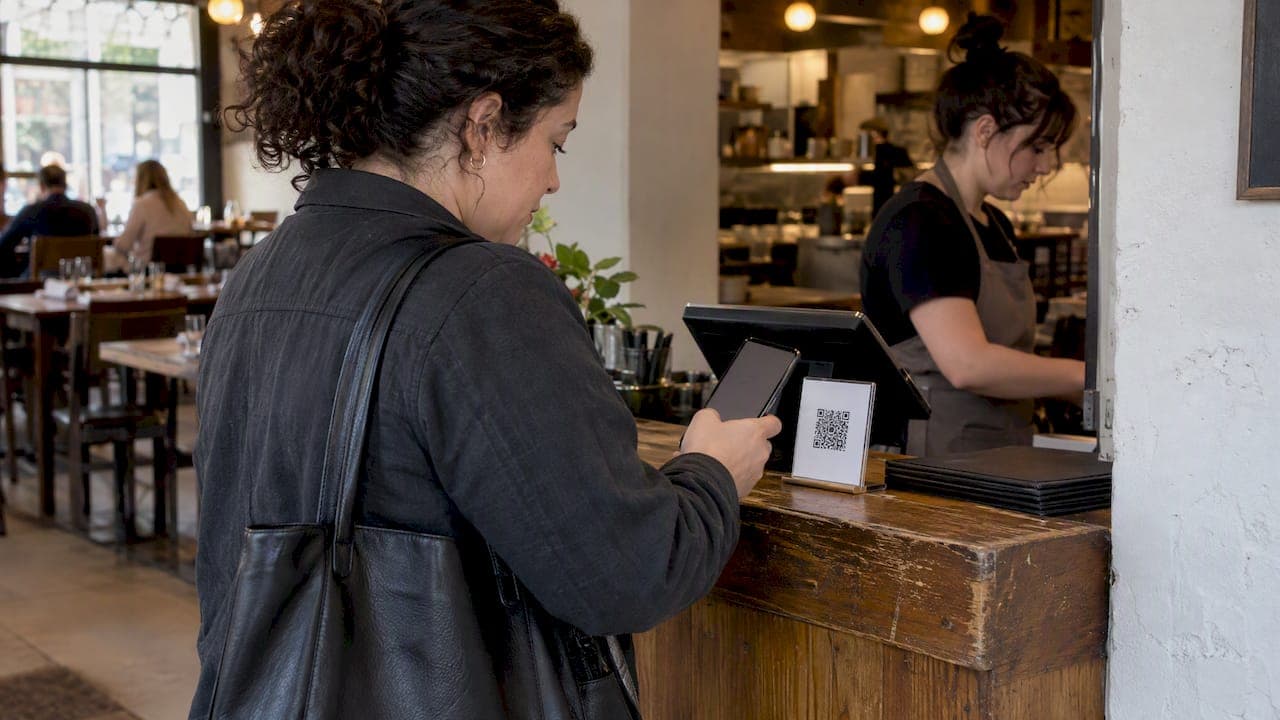
Operators generally choose between three approaches: a dedicated app, SMS-first systems, or browser-based entry that requires no download at all. App-based systems work well for large venues with repeat visitors willing to install software, but they add friction for one-time or casual customers. Browser-based entry removes that barrier entirely, since anyone with a phone can join through a web link or QR code.
A functional system typically includes a public display screen for ticket numbers, support for multiple queues or service types, an admin dashboard for staff, and notification channels like SMS or browser alerts. For small venues such as restaurants, clinics, or food trucks, a browser-first setup can go live in minutes rather than days, which matters during busy seasonal launches or pop-up events. Our guide to launching a no-app waitlist walks through that setup for small restaurants, and our pop-up restaurant waitlist walkthrough covers temporary venues specifically.
Businesses running larger online events sometimes need custom integrations beyond a standard queue, which is where a partner like Brainiac Media's custom virtual events software fits for bespoke builds.
Pro Tip: Test your notification flow with a few staff members before going live, since a delayed text or alert is the most common complaint operators hear from waiting customers.
Why transparency beats speed in queue design
The research on queue systems keeps circling back to one point: people tolerate waiting far better when they can see their position and trust the process. The university-based queue studies found that visible, real-time status improved perceived fairness even without reducing actual wait times, and that pattern holds across theme parks, clinics, and ticket sales alike.
That's why I'd steer any business toward a system customers can access without installing anything first. A browser link or QR code removes the single biggest point of friction before someone even joins your queue. The caveat worth repeating: always check the specific operator's distribution rules and eligibility windows, since they vary widely even within the same industry.
— Ezseat
A browser-first option for businesses ready to set one up
If you're running a restaurant, clinic, food truck, or small event and want a virtual queue without asking customers to download anything, a browser-based system solves that friction directly. We built Ezseat so you can manage customer flow from your phone or tablet while guests join through a simple web link, no app required on either end.

Setup takes minutes rather than days, and plans are designed to scale as operations grow, accommodating different service points during peak hours. Visit the Ezseat plans page to see what fits your business.
FAQ
What is a virtual queue at Disney parks?
A Disney virtual queue is a boarding-group system where you join remotely through the app at a set distribution time and return to the attraction once your group is called. Disney's official guidance notes it's complimentary when offered and applies only to select experiences, with standby access sometimes limited or unavailable.
What is the 3/2/1 rule for Disney park visits?
This isn't a term covered by official Disney virtual queue documentation or the sources used for this article, so a reliable definition isn't available here. Check Disney's own planning resources for current park strategy guidance.
Is Guardians of the Galaxy still using a virtual queue?
Virtual queue availability for specific attractions changes over time and depends on current park policy, so the most reliable way to confirm status is to check the official Disney virtual queue page for the park you plan to visit. Distribution schedules and eligible experiences can shift without much notice.
Does joining a Disney virtual queue cost money?
Disney virtual queues are complimentary when they're offered for a given experience, according to official park guidance. You still need a valid ticket and a linked account to join, but the virtual queue enrollment itself carries no separate charge.
How is an online waiting room different from an in-person virtual queue?
An online waiting room holds website visitors in a digital line and releases them at a controlled rate to protect a site during high traffic, with no physical return involved. An in-person virtual queue lets you check in remotely but still requires you to show up once called, as described in university queue resources.
Sources
- Queue — University of Illinois online queue information
- Virtual Queues | Walt Disney World Resort
- Smart Queuing and Appointment Management System for Client Services in Bulacan State University Bustos Campus
- US20190147667A1 - Systems and methods for virtual line services