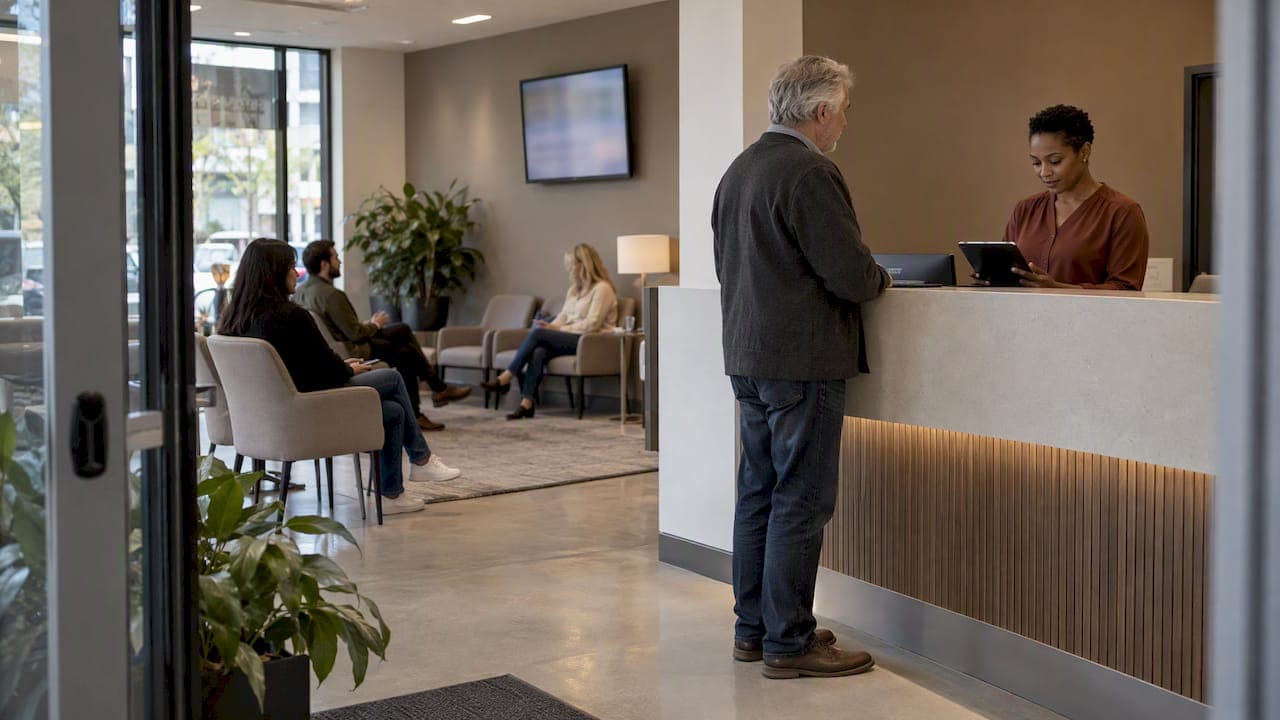
A lobby queue system is software that lines up the people in your waiting area, tells them when it is their turn and lets staff call the next person without shouting. For a restaurant, clinic, barbershop or event entrance, the simplest version needs only a phone, a QR code and a web browser. No kiosk, no ticket printer and no app download for your customers.
This guide is for the person who runs the front of a business and is tired of a crowded lobby. It covers what these systems do, the features that matter, what the research says about waiting, and how to set one up in an afternoon.
TL;DR
- A lobby queue system gives each arriving visitor a place in line, then notifies them when it is their turn, so they no longer have to stand and watch the door.
- Pick a browser-based system. Requiring an app download adds a barrier right when someone is already impatient.
- Look at the whole cost: per-message fees for texts and hardware can cost more than the subscription itself.
- Showing visitors where they stand matters as much as shortening the wait. Research ties satisfaction to transparency.
- Ezseat runs in the browser, starts with a free two-month trial, and its plans cost $3.90 or $14.90 per month.
Table of Contents
- What a lobby queue system is (and what it is not)
- Why the lobby is where service is won or lost
- What to look for in a lobby queue system
- A quick comparison of the main approaches
- Setting up your lobby queue in an afternoon
- Handling walk-aways and no-shows
- Our perspective: simple beats feature-heavy
- What Ezseat costs and how to try it
- Mistakes to avoid
- FAQ
- Sources
What a lobby queue system is (and what it is not)
If you search this phrase, you will see mostly game development results. In gaming, a queue usually means a line of players held back until a server or lobby has room, a setup meant to prevent server overload. That is a different problem from yours.
In a business, a lobby queue system manages real people in a physical space. It does four jobs:
- Check-in. A visitor joins the line by scanning a QR code, tapping a link or using a reception tablet.
- Ordering. The system keeps the sequence and handles things like party size, service type or priority.
- Calling. Staff press one button on a phone or tablet to call the next person. The system alerts that person by a public screen, a text or a call.
- Cleanup. People who leave or never show up are removed, so the line stays accurate.
It differs from an appointment system. An appointment books a future slot. A queue handles walk-ins, who arrive when they arrive. Many businesses need both, but a lot of them, such as barbershops, food trucks and busy restaurants, run mainly on walk-ins. For that case, our guide to a walk-in waitlist for clinics and service venues goes deeper.
Why the lobby is where service is won or lost
The wait itself is only part of the problem. Researchers who study virtual queues note that customers judge a wait by their perception of it, and that perception is often longer than the actual waiting time. Managing that perception is therefore a core part of service.
This changes what you should buy. A system that only counts people helps you. A system that also shows each visitor their place and keeps them informed helps them, and that is what reduces complaints.
A 2025 study of smart queue systems in service industries reports that 80% of staff saw reduced wait times and smoother flow, and 87% reported better overall service quality because of transparency and convenience. In the same research, 83% of users cited real-time updates as essential for reducing anxiety. Treat these as survey results from one study, not a promise for your lobby. They do point the same way as the rest of the evidence: visibility matters.
There is also a staffing side. Research on walk-in outpatient queues argues that queue management is as much about workforce allocation as customer convenience. When you know when people arrive, you can see congestion building and move a person to the front before the room fills. A queue that records arrivals gives you that pattern. A crowd that simply stands there does not.

What to look for in a lobby queue system
Most buyers compare long feature lists. Five criteria usually decide the choice.
1. No app for your customers
Your visitors are not committing to a long relationship with you. They want a table, a haircut or a check-up. Asking them to find your app in a store, download it and create an account is a lot to ask of someone who is already waiting. A browser-based queue, opened from a QR code or a link, removes that step. This is the core reason we built Ezseat on the web. For a wider look at the approach, see our piece on virtual queues without an app.
2. Staff can run it from a device they already own
A system that needs a dedicated desktop, a server closet or a proprietary terminal is slow to deploy and hard to move. If your host or receptionist can run the line from a phone or tablet, the setup works for a food truck, a pop-up event or a clinic front desk alike. That also means no one shouts names or numbers across the room. We cover that workflow in phone queue management for restaurants, clinics and more.
3. Notification that does not add a bill
Visitors should be able to leave the lobby, grab a coffee or wait in the car, and still know when to come back. That needs notifications. Check how a vendor charges for them. Some products add per-message fees that grow with your volume, so a busy Saturday costs more than a quiet Tuesday. Ezseat has no per-message cost. Our notes on wait time notifications explain how to set them up.
4. A display for people who do not carry phones
Not everyone will scan a code. A public screen showing the ticket number being served, plus an optional reception kiosk, covers older visitors, people with dead batteries and anyone who just prefers to look up at a screen. Ezseat supports both. If you are picking a screen, our queue display screen guide walks through placement and what to show.
5. Fields and queues that fit your business
A clinic needs to know which service a visitor needs. A restaurant needs party size. An event may need several lines for different entrances. Look for custom fields on the sign-in form, and for multiple queues and multiple devices on one account, so the host stand and the back door stay in sync.
A quick comparison of the main approaches
| Approach | Customer effort | Hardware | Typical weak spot |
|---|---|---|---|
| Paper tickets or a clipboard | Low | Ticket roll, pen | No alerts, easy to lose track, names shouted across the room |
| Native app queue | High (download and sign-up) | Phones | People abandon at the install step |
| Hardware kiosk and pager system | Low | Kiosk, buzzers, screens | High upfront cost, hard to scale or move |
| Browser-based queue with QR code | Low | Phone or tablet you already own | Needs a visible QR code and a staff member who checks the device |
The types differ because they solve different problems. A paper ticket is fine for a small deli with a ten-person rush. Once the lobby fills, or you serve more than one counter, the browser-based option gives you the alerts and the data that paper cannot. For a wider review of options, see our roundup of queue management software for small businesses.
Setting up your lobby queue in an afternoon
You do not need a project plan. Here is a practical order.
- Map the flow. Decide where a visitor stands when they arrive, who calls them and where they go next. Write it down in three lines.
- Define your queues. One line is enough for most barbershops and food trucks. A clinic might have separate lines for check-in and a procedure room.
- Choose the sign-in fields. Keep it short. Name and a contact number are usually enough. Add one question only if staff truly need the answer before they call someone.
- Post the QR code. Put it at eye level near the door, with a short instruction. Also add a line on your website or social media so people can join before they arrive, if your venue allows that.
- Add a screen or kiosk if you need one. If a lot of your visitors are older or do not carry phones, a TV showing the current number does the job.
- Train one person first. Have a single host run the queue for a full shift, then bring the rest of the team in.
- Review the log. After a week, look at when the lobby filled and when it was empty. Adjust staffing to match.
If your queue is built around numbered tickets, our guide to a queue numbering system for walk-in businesses covers how to number and display them. If you are comparing different web-based models, web-based queues for events and businesses lays out the choices.
Handling walk-aways and no-shows
A queue is only useful if it is accurate. Some people will join the line and wander off, and some will never come back when called. If the system keeps them in the list, your estimates drift and the visitors still waiting get a worse experience.
That is why a good system lets staff remove or skip a visitor in a tap, and why a cleanup rule is worth setting on day one. Decide how long you will wait after calling someone (for example, a few minutes), then move on and tell the next person. Say the rule on your sign-in page so no one is surprised.
One caution for clinics: the way you call and notify people should respect your own privacy practices. Avoid putting a patient's full name or reason for the visit on a public screen. A ticket number does the job without disclosing anything, so use numbers on any display a whole lobby can see. If you have questions about the rules that apply to your practice, ask your compliance officer or your legal advisor.

Our perspective: simple beats feature-heavy
We build Ezseat for people who run a counter, a chair, a window or a gate, not for IT departments. That shapes our view of what a lobby queue system should be.
First, the best system is the one your customers actually use. Every extra step in joining the line, whether it is an app download, an account or a long form, loses someone. So we keep entry to a scan and a name.
Second, a queue should not need new equipment. Staff already have phones. A food truck cannot mount a kiosk, and a clinic should not need an installer to start. That is why operators run the line from a phone or tablet.
Third, price should not punish success. Per-message fees and hardware leases make a busy day more expensive. We keep the pricing flat and the plans easy to grow into, so a good Saturday is just a good Saturday.
Finally, a queue is not a tool for hiding the wait. It is a way to be honest about it. When visitors can see where they stand, they relax, and your team stops being the target of the impatience.
— Ezseat
What Ezseat costs and how to try it
Ezseat starts with a free two-month trial, so you can run your real lobby through it before paying anything. After the trial there are two plans:
| Plan | Monthly | Annual |
|---|---|---|
| Light | $3.90 per month | $39.00 per year |
| Pro | $14.90 per month | $149.00 per year |
Either plan runs in the browser, with no customer app, no hardware requirement and no per-message cost. You can see both plans and start your trial on the Ezseat plans page.
Mistakes to avoid
- Hiding the QR code. If visitors cannot find it in five seconds, they will ask staff, and you are back to the old routine.
- Over-collecting data. Every field you add slows sign-in. Ask only what staff will use.
- Ignoring the numbers. Review arrival times weekly. They show when to add a person to the front of house.
- Showing names on public screens. Use ticket numbers where privacy matters.
- Promising exact times. Visitors remember a missed estimate more than a longer honest one. Give a range and update it.
FAQ
What is a lobby queue system?
It is software that manages the line of people waiting in a lobby, waiting room or entrance. Visitors join by QR code, link or kiosk, and staff call them in order. The system alerts each person by screen, text or call when it is their turn.
Do my customers need to download an app?
Not with a browser-based system like Ezseat. Customers open a link or scan a QR code, and the queue works in their phone's browser. That keeps the entry step short, which matters when people are already waiting.
Is a lobby queue system worth it for a small business?
It can be, if you regularly have more than a few people waiting at once. The costs are low when the system runs on devices you own. Ezseat's Light plan is $3.90 per month, and there is a free two-month trial to test it in your real lobby.
Can I use it without a screen or a kiosk?
Yes. Staff can run the queue from a phone or tablet, and visitors can follow along on their own phones. A public screen or reception kiosk is optional, and useful for visitors who do not want to use a phone.
Sources
- The Role of Smart Queue Management Systems in Enhancing Customer Flow and Service Quality
- The Psychology of Virtual Queue: When Waiting Feels Less Like Waiting (SSRN)
- An optimized queue management system to improve patient flow in the absence of appointment system
- How to Join Party or Someone in Dead Rails