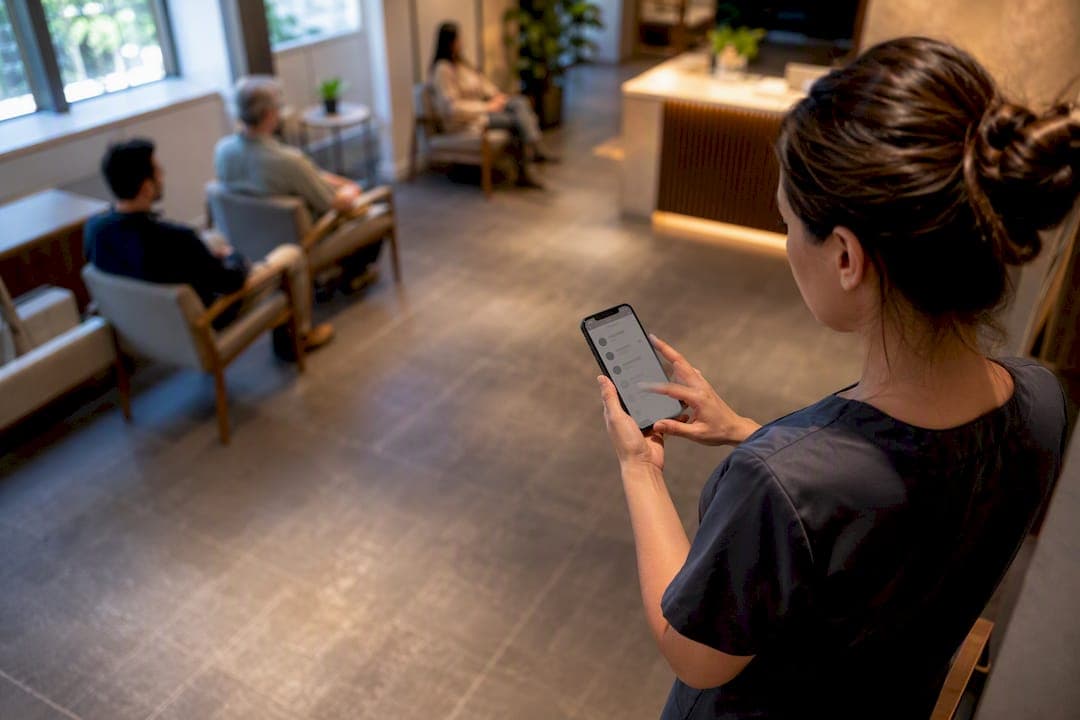
A priority patient queue is a web-based queue feature that temporarily moves eligible customers or patients ahead of the standard line, without anyone installing an app. Done right, it cuts wait time for people who genuinely need it while keeping the rest of the line predictable. The rest of this guide covers exactly when to use it, how to set it up, and how to keep it fair once staff start relying on it daily.
TL;DR:
- Priority tags should be limited to specific categories such as elderly patients, mobility-impaired customers, or those with time-sensitive appointments to prevent misuse.
- Enabling a priority lane requires clear, publicly posted rules, a cap of two to three active tokens, and staff training to ensure consistency and fairness.
- Physical separation of regular and priority customers with designated check-in points and visible queue displays helps prevent confusion and disputes.
- A buffer reserve of two to three tokens in the regular queue reduces complaints by absorbing priority moves without disrupting the entire line.
- Monitoring key metrics like wait times, walkaways, and customer satisfaction helps evaluate the impact of priority routing and fine-tune the process.
Table of Contents
- What Is a Priority Patient Queue, Exactly?
- When Should You Turn On Priority Routing?
- How Do You Set Up Priority Routing Step by Step?
- How Do You Keep the Priority Lane From Causing Chaos?
- What Operators Actually Notice Once Priority Routing Is Live
- Try Priority Routing With Ezseat Before Your Next Rush
- Where to Read More on Queue Design and Priority Rules
- Sources
- FAQ
What Is a Priority Patient Queue, Exactly?
A priority patient queue is not a hospital triage algorithm sorting patients by medical severity. It is a scheduling tool inside a web-based queue system that lets an operator flag specific customers or patients so they get called sooner, without disrupting the rest of the line's order more than necessary.
Think of it as a fast lane inside a normal line, not a separate emergency room. The eligibility rules are set by the business, not by clinical protocol, and they apply just as easily to a barbershop as to a clinic waiting room.
Common uses across small operations include:
- Small clinics: flagging patients with mobility limitations, elderly patients, or those with time-sensitive appointment windows.
- Restaurants: accommodating guests who need accessible seating or have a reservation running behind schedule.
- Event venues: granting VIP or ticket-tier holders faster access at check-in.
- Food trucks: honoring pre-orders or time-boxed lunch-break customers who can't wait the full queue.
- Barbershops: handling appointment overlaps where a scheduled client arrives while walk-ins are already lined up.
None of this replaces emergency triage. If your business handles genuine medical urgency, that decision stays with clinical staff and clinical protocol, not a queue setting.
When Should You Turn On Priority Routing?
Not every business needs a priority lane, and turning one on without clear rules invites resentment fast. Three signals usually justify it: a customer's physical vulnerability, a scheduled appointment at risk of running past its window, and accessibility needs that make standing in a standard line impractical.
Once you decide to enable it, write the eligibility rules down before you ever tag a customer. A simple policy template works well:
- Define eligible categories in plain language: "scheduled appointments running under 10 minutes late," "patients aged 70 and older," "customers using mobility aids."
- Cap the number of active priority tokens at any one time, so the fast lane never becomes the main lane. A small limit on the number of active priority tokens works well for most small venues.
- Post the policy publicly at the entrance and on your check-in screen, so nobody feels the rule was invented on the spot.
- Review who used the priority tag weekly to catch drift before it becomes habit.
The OPD queue management guidance on parallel queues supports this approach directly: running a pre-booked lane alongside a walk-in lane, with a reserved token buffer, cuts disputes because everyone can see the rule applied consistently rather than guessed at case by case.
How Do You Set Up Priority Routing Step by Step?
Getting a priority patient queue running doesn't take a development team. It takes an afternoon, a clear policy, and a short dry run before you go live.
Configuration steps:
- Audit your current flow and decide who is authorized to apply a priority tag at check-in. One person per shift, not everyone at the counter.
- Create a visible priority tag in your queue settings, along with a sub-lane or "buffer token" rule that defines how many spots a priority customer can jump.
- Set your notification channels. Most small venues get the best results combining SMS with a browser-based wait link so nobody needs to download anything.
- Set your ETA ping policy. A common rule: ping the customer two turns before they're called, then again when it's their turn.
- Run a dry test during a slow period before opening it to real customers.
- Post signage at the entrance explaining the priority policy in plain terms.
- Train staff on a short script for handling priority questions and pushback.
What to check before launch:
- Does the printed-number fallback map to the same queue state as the web check-in, so nobody without a smartphone gets left out?
- Do notifications fire reliably on both SMS and browser link?
- Can any staff member see the full queue state, not just the person at the counter?
- Does the buffer-token count leave room for at least one priority case per hour without disrupting regular flow?
NNG's virtual queue best practices make a point worth repeating here: the whole value of a virtual queue is letting people wait on their own terms, away from the counter, while still trusting their place in line. A priority tag only works if that trust survives it. Feature checklists for queue management systems back this up, listing mobile alerts and centralized dashboards as core requirements, not extras, for exactly this reason.
For the notification piece specifically, SMS queue notification templates give a useful starting point if you're writing your first ETA messages from scratch, and a phone queue management setup walks through the browser-link side of the same problem.
How Do You Keep the Priority Lane From Causing Chaos?
The single biggest risk with any priority queue isn't the policy. It's the physical layout. When a priority customer gets called from a different spot than everyone expects, people notice, and they notice fast.
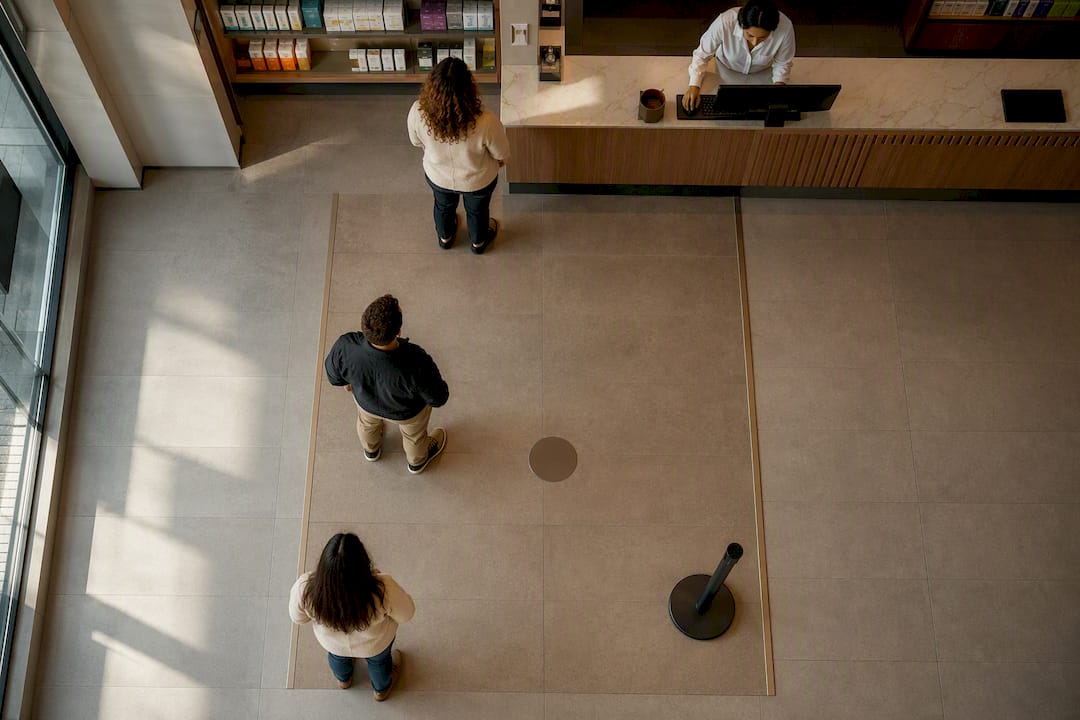
Separate the physical space. Colored floor tape or a rope guide marking a distinct check-in point for priority customers, paired with a TV token board showing both lanes' current numbers, does more to prevent backflow than any amount of staff explaining. A queue display screen set up to show both the regular and priority lane numbers side by side keeps everyone oriented without a staff member repeating themselves all day.
On the policy side:
- Limit who can authorize a priority assignment to one person per shift.
- Log every priority assignment, including who made the call and why, so disputes get resolved in seconds instead of arguments.
- Keep the queue state visible to all customers, not just staff, so nobody feels like decisions are happening behind a curtain.
- Offer a printed-number fallback at the counter for anyone without a smartphone, and make sure it maps to the exact same line as the web check-in.
Pro Tip: Reserve a small buffer band of two or three tokens in the regular queue specifically to absorb priority moves. Without that buffer, every priority customer feels like it's coming directly out of the next regular customer's pocket, and that's when complaints start.
The OPD queue management guide recommends exactly this buffer-band tactic for clinics juggling walk-ins against scheduled patients, and it translates cleanly to restaurants and barbershops managing reservation overlap. Track the results with a few basic numbers: average wait time before and after enabling priority routing, walkaway rate, and customer satisfaction on the days priority tags were active versus days they weren't. A queue analytics dashboard makes that comparison a five-minute check rather than a manual spreadsheet chore.
What Operators Actually Notice Once Priority Routing Is Live
The wins tend to show up quietly. Fewer people hovering at the counter asking about their spot, fewer walkaways during the lunch rush or the Saturday morning clinic block, and a noticeably calmer front desk once customers stop feeling like the line is a black box.
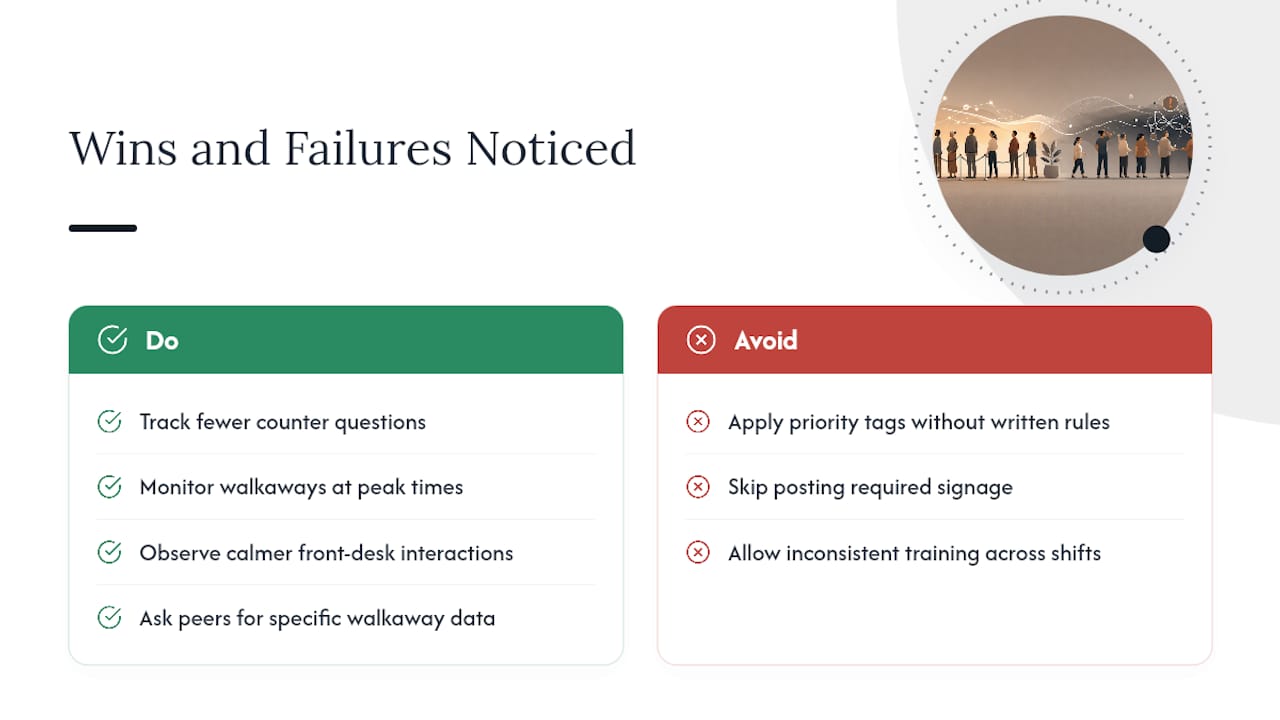
The failures are just as consistent, and they're almost always the same three: staff applying priority tags on a whim without a written rule, signage that never gets posted so customers assume favoritism, and training that's inconsistent across shifts so one employee's version of "priority" doesn't match another's. Every one of those is fixable with the policy and audit-log habits covered above, none of it requires new software features.
If you're weighing whether this is worth setting up before you have hard numbers of your own, ask a business already running priority routing for a specific rundown of what changed in their walkaway rate and counter crowding. That kind of direct comparison tells you more than any general claim can.
— Ezseat
Try Priority Routing With Ezseat Before Your Next Rush
This guide describes a setup with web-based check-in, SMS and browser notifications, and operator-controlled priority tags, all without requiring customers to download an app. You control who gets tagged, how many buffer tokens sit in reserve, and which notification channels fire, directly from your phone or tablet.

A trial takes less time than training a new hire. Set up your queue, create your first priority tag and buffer rule, and run a dry test during a slow shift, all inside a single sitting. Multi-queue support allows running pre-booked and walk-in lanes side by side, and separating reservation queues from walk-in lists without juggling multiple systems.
If you're ready to see how a priority lane behaves with your actual customer flow rather than a demo script, start a free trial with Ezseat and set your first priority rule today.
Where to Read More on Queue Design and Priority Rules
- Virtual Queues: 13 Best Practices for Managing the Wait, NNG's core guidance on notification design and user-centered wait experiences.
- What Are the Main Features of a Queue Management System?, a practical checklist of features worth prioritizing before you configure priority tags.
- OPD Queue Management and Appointment Scheduling, buffer-band tactics and parallel-queue design for clinics and similar walk-in-heavy sites.
- Walk-in waitlist setup for clinics and venues, for handling walk-ins alongside scheduled priority cases.
- SMS package alert design, useful reference for writing clear, concise ETA notification templates.
Sources
- Virtual Queues: 13 Best Practices for Managing the Wait - NN/G
- What Are the Main Features of a Queue Management System?
FAQ
What Is the Difference Between a Priority Queue and Regular Triage?
A priority patient queue is an operational scheduling tool that reorders a waiting line based on business rules like appointment timing or accessibility needs. Clinical triage sorts patients by medical urgency and stays under clinical protocol, not a queue setting.
Who Should Be Allowed to Assign Priority Status?
Limit this to one authorized staff member per shift, with every assignment logged including who made the call and why, so disputes resolve quickly instead of turning into arguments at the counter.
How Many Priority Tokens Should a Small Venue Allow at Once?
Most small clinics, restaurants, and barbershops do well capping active priority tokens at two or three at a time, with a small reserved buffer band so priority moves don't come directly at the expense of the next customer in line.
Does a Priority Queue Require Customers to Download an App?
No. A web-based system like Ezseat lets customers check in and receive updates through a browser link and SMS, so there's nothing to install on either end.
How Do You Measure if Priority Routing Is Working?
Track average wait time, walkaway rate, and customer satisfaction on days priority routing is active versus days it isn't, using a basic queue analytics dashboard to compare the two.