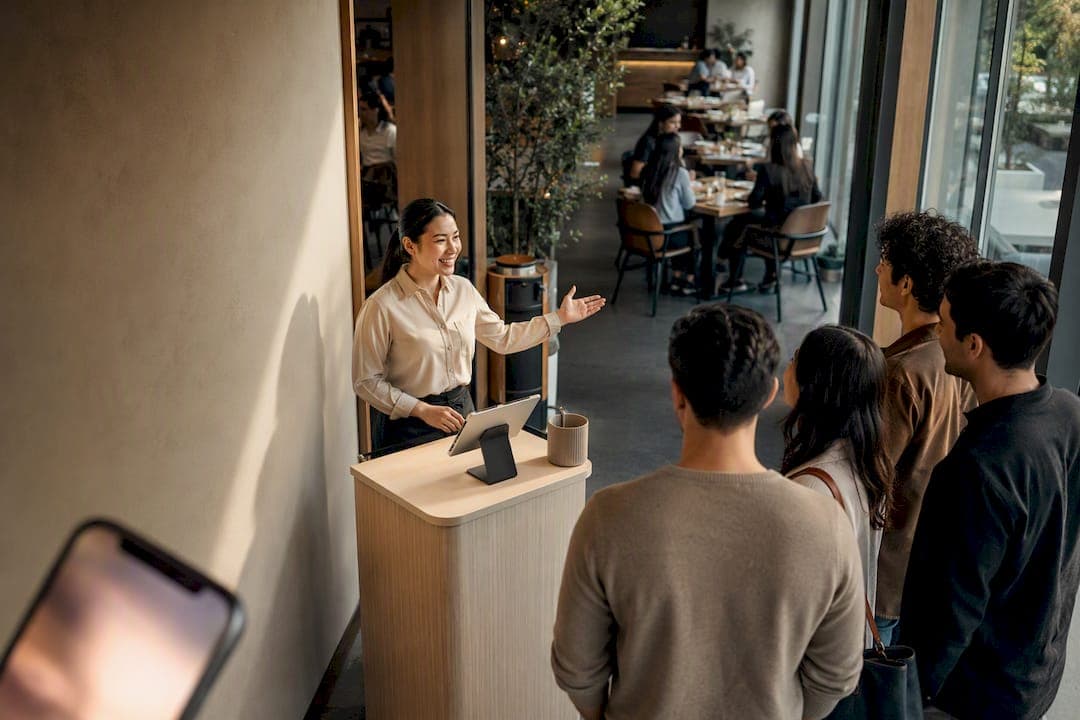
A multi-language waitlist is a queue system that delivers every customer-facing message, from confirmation texts to "you're next" alerts, in the language each customer actually prefers. Done right, it cuts walkaways and confusion during peak rushes. The practical fix for most restaurants, clinics, and event venues is a browser-first, locale-aware platform that customers can join without downloading anything.
TL;DR:
- Multilingual support must cover all customer-facing messages, including sign-up pages, SMS alerts, emails, kiosks, and display boards, not just landing pages.
- Setting up effective languages involves adding each customer language, creating separate message templates, assigning fallback languages, and testing dynamic variables and formatting thoroughly.
- RTL languages require mirrored layouts, and date, time, and name formats must adapt to local conventions to ensure usability and clarity.
- Deployment options include hosted landing pages, embedded widgets, kiosks, and web-based systems, with no app download required for customers.
- Testing should verify templates, dynamic variables, layout on RTL screens, SMS encoding, and fallback behaviors before launching to avoid costly errors.
Table of Contents
- What Does Multilingual Waitlist Support Actually Cover?
- How Do You Enable Languages and Set Up Message Templates?
- Do You Need RTL Support and Locale-Aware Formatting?
- Which Deployment Model Fits Your Business?
- What Should You Test Before Going Live?
- How Much Should Multilingual Features Cost You?
- Ezseat: A Browser-First, No-App Option That Fits This Checklist
- What Should You Prioritize When Launching Multilingual Queues?
- Get Your Multilingual Queue Running This Week
- Key Documentation and Implementation Resources
- Sources
- FAQ
What Does Multilingual Waitlist Support Actually Cover?
Multilingual support has to reach every point where a customer sees text, not just the sign-up form. If a platform translates the landing page but sends English-only confirmation texts, you have not solved the problem. You have just moved it downstream to the moment the customer is most anxious.
A complete setup touches:
- The hosted sign-up page or embedded widget where customers join the line
- Confirmation and reminder emails
- SMS alerts ("you're 3rd in line," "your table is ready")
- Kiosk screens for walk-in registration
- Public display boards showing ticket numbers or wait estimates
One spot almost always stays in a single language: the staff-facing admin dashboard. That is intentional and fine. Your host staff need one consistent interface regardless of how many languages your customers use, and switching the backend per shift creates training headaches for no customer benefit. Most platforms handle this by translating built-in system strings automatically while leaving custom fields, like a special promotion line or an intake question, for the owner to write and localize by hand.
How Do You Enable Languages and Set Up Message Templates?
Getting a multilingual queue live is a short, mechanical process if you follow it in order. Skipping steps is how businesses end up with a Spanish landing page that still texts customers in English.
- Open your localization settings and add each language your customer base actually uses. Waitwhile's documentation, for example, walks through enabling this under a dedicated localization menu where you select active languages before touching templates.
- Build a separate message template for each language, covering every email and SMS trigger, join confirmation, position updates, and the "ready now" alert.
- Assign a default fallback language for customers whose preference is not set or not supported yet.
- Insert dynamic variables (name, queue position, estimated time) and check that dates and numbers render in the correct local format for each language.
- Run a full test cycle: submit sample registrations in each language, send yourself test SMS messages, and confirm the fallback triggers correctly when a language is missing.
Pro Tip: Treat a duplicate sign-up as a success message ("You're already on the list") instead of an error, in every language. A calm confirmation reads as competence; an error message reads as a glitch, especially to someone already unsure if their English or French input worked.
Do You Need RTL Support and Locale-Aware Formatting?
Yes, if any customer language reads right to left, and this is the part most operators underestimate. Arabic, Hebrew, and Urdu do not just need translated words. They need the entire layout mirrored, with navigation, form fields, and alignment flipped, plus adjusted line height so the script renders cleanly instead of overlapping.
Beyond RTL, a handful of formatting details separate a functional multilingual setup from a broken one:
- Dates and times must follow local convention (day/month/year versus month/day/year), not a single hardcoded format
- Name order needs to adapt, since given-name-first is not universal
- Dynamic variables inside translated sentences must stay grammatically correct. A name or number dropped into a template can break gendered suffixes or pluralization rules in some languages, so the platform needs some control over word order and inflection
- Text needs to be encoded in UTF-8 throughout, and SMS messages need attention to character limits, since non-Latin scripts often consume more bytes per message and risk carrier truncation
Which Deployment Model Fits Your Business?
There is no single right answer here. The right setup depends on how customers physically arrive and how much staff time you have to manage it.
- Hosted landing page. Best when you are driving sign-ups from social media or a marketing campaign, since the whole experience lives on one polished, on-brand page.
- Browser-first over app-based. Skipping the app store means zero download friction, but it also means you are not relying on push notifications, so SMS becomes your main real-time channel.
What Should You Test Before Going Live?
A translation error that ships to production is a lot more expensive to fix than one caught in testing. Run through this before opening a multilingual queue to real customers.
- Sign up as a test customer in every active language and verify each template that could possibly be sent (confirmation, reminder, ready-now, cancellation).
- Confirm dynamic variables render correctly and follow local date, time, and number rules.
- Load the sign-up flow on an RTL language and check the layout on both a phone screen and a tablet.
- Send real test SMS messages to devices on different carriers to catch encoding issues or truncation, especially with non-Latin scripts.
- Verify fallback behavior when a customer's language is not yet supported, and confirm staff can still read every entry through the admin screen.
Pro Tip: Do your SMS test the same way a nervous customer would receive it, on a real phone, in a moving car, with average signal. That is where truncation and encoding bugs actually show up, not on your office Wi-Fi.
How Much Should Multilingual Features Cost You?
Multilingual features are rarely evenly spread across pricing tiers. Per-locale templates, hosted landing pages, and additional notification channels commonly sit behind higher-tier plans, while a base plan might only offer a single default language.
Budget separately for message volume, since international SMS costs scale with the number of languages and customers you are texting, not just headcount. A few buying principles worth applying before you commit:
- Prefer a vendor that lets you test templates and locales during a trial period, not just after signing an annual contract
- Confirm you can export your customer and queue data for auditing or migration later
- Check whether adding a language requires a plan upgrade or is included at your current tier
Ezseat: A Browser-First, No-App Option That Fits This Checklist
A browser-based system lets customers join a queue without installing anything, which matters directly for multilingual audiences who may already be navigating an unfamiliar interface in a second language. Operators manage the queue from their own phone, which can maintain reliability during peak-hour rushes.
- No app download for customers, in any language
- Manage queues and send alerts directly from an operator's phone
- Built to scale with high customer volume rather than fall apart under it
- Step-by-step guides exist for QR code setup and web-based waitlist deployment
| Priority | What to check |
|---|---|
| Customer friction | Can they join without downloading an app? |
| Peak-hour reliability | Can staff manage the queue from a phone during rushes? |
| Setup speed | Is there a documented QR-code or web-based setup path? |
| Trial access | Can you test templates and languages before paying? |
The practical next step is running the free two-month trial, following a setup guide, and testing your own language templates before customers ever see them.
What Should You Prioritize When Launching Multilingual Queues?
Start with the messages that ease anxiety most: the join confirmation and the "you're next" alert. Those two moments carry the highest emotional weight for a customer unsure if the system understood them. Expand into more languages only as your analytics and staff language capability justify it. If regional time zones or staffing differ enough, run separate localized queues instead of forcing one global line. And train staff on the admin interface directly, since a clean customer-facing translation means nothing if the person managing the queue cannot read what is happening.
— Ezseat
Get Your Multilingual Queue Running This Week
Ezseat gives you the browser-first setup this whole guide has been describing: no app for customers to download, SMS and hosted-page support built in, and a phone-based dashboard your staff can actually manage during a rush. If you run a restaurant, clinic, food truck, or event and serve customers who speak more than one language, that combination solves the exact friction point most queue systems create.

Start with the QR code waitlist setup guide if you take walk-ins, or the web-based waitlist setup guide if most of your customers arrive through a link or QR scan. Either path works during the two-month free trial, long enough to test your language templates on real customers before you commit to a paid plan. Start your trial on Ezseat and see how your multilingual queue holds up during your next rush.
Key Documentation and Implementation Resources
A few technical references are worth bookmarking before you configure anything live.
- Waitwhile's localization how-to for enabling languages and per-language templates
- Appwrite's SaaS waitlist tutorial for duplicate-handling and confirmation-email logic
- Codapult's waitlist module docs for landing-page and server-action implementation examples
- Ezseat's SMS queue notification guide for reducing walkaways through timely alerts
Sources
- How to configure your messages in different languages | Waitwhile Help Center
- Build a SaaS waitlist (Appwrite tutorial)
- Waitlist module docs (implementation examples) | Codapult
FAQ
Is it possible to get accepted after being waitlisted?
Yes, movement off a waitlist is common as spots open up, cancellations happen, or capacity expands. A well-run multilingual waitlist should notify the customer the moment their status changes, in their preferred language, so they do not miss the window.
What does multilingual proficiency mean for a waitlist system?
For a queue platform, multilingual proficiency means it can accurately deliver every customer-facing message, sign-up form, confirmation, SMS alert, in the customer's chosen language, not just translate the landing page while sending automated texts in one default language.
How long do you typically wait after joining a waitlist?
Wait times vary entirely by business type and volume, from minutes at a coffee counter to hours at a packed restaurant, which is exactly why clear position and time-estimate messaging matters more than the number itself.
Is "waitlist" one word or two?
"Waitlist" is standard as one word in American English, though "wait list" as two words also appears in some formal or older usage.
Can Ezseat send waitlist messages in more than one language?
Ezseat's browser-first design is built to support customer-facing communication without app friction, and operators can localize the message templates that reach customers across the channels the platform supports.