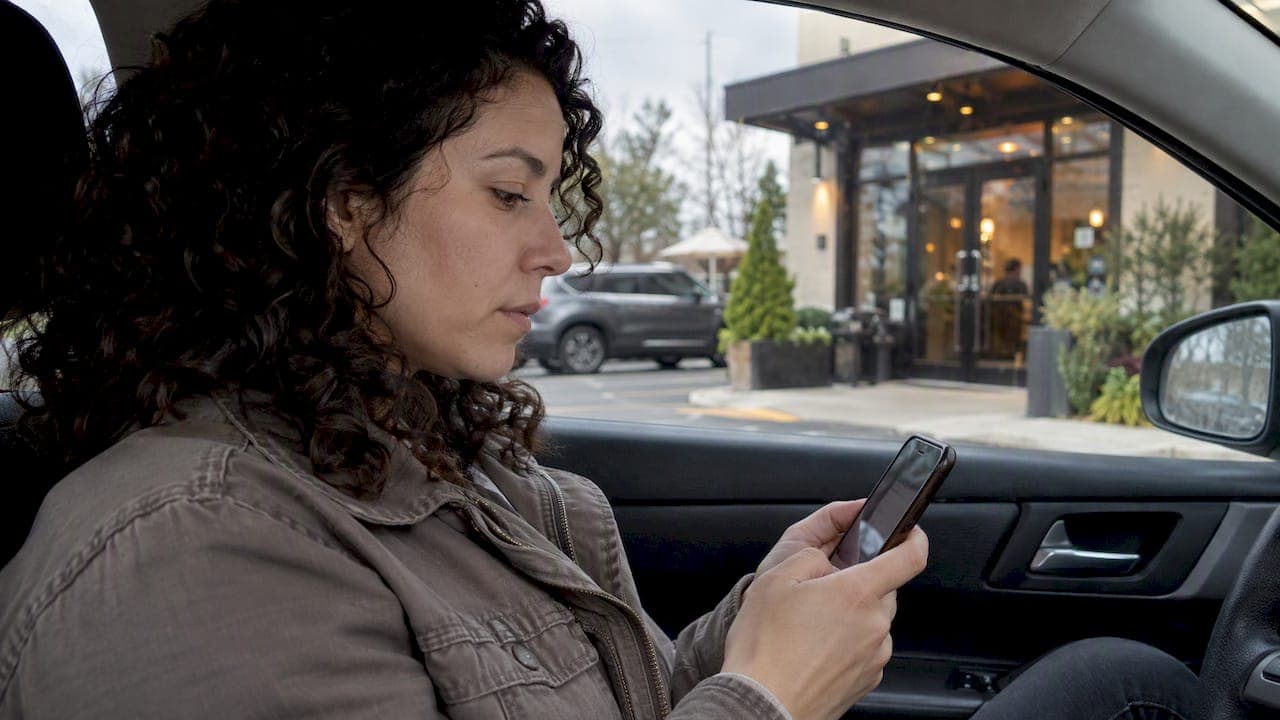
Contactless check-in lets customers join your service queue through a browser link, QR code, or SMS text instead of lining up at a counter. For operators, the payoff can include calmer lobbies and less time spent managing crowds, because customers can wait wherever they like until you call them.
TL;DR:
- A ride sharing experiment found pessimistic or frequently revised estimates raised abandonment by up to 19.6% versus stable, neutral messaging; revise only after meaningful changes.
- Offer browser or QR entry and SMS or call access, while posting a staffed sign in option beside the QR code for customers without smartphones.
- A rollout lasting four weeks assigns planning, setup, testing, and launch to one week each, then uses early abandonment and wait data to adjust messaging.
- Track abandonment, average wait, throughput, and no shows; rising abandonment with stable waits points to notification wording, while rising waits and flat throughput signal staffing.
Table of Contents
- Why Contactless Check-In Helps Operators
- How Contactless Check-In Works
- Setting Wait-Time Messaging That Keeps Customers Waiting
- Keeping Contactless Check-In Accessible to Everyone
- A 30-Day Rollout Checklist for Contactless Check-In
- What to Measure After Launch
- Ezseat Perspective: What Operators Keep Asking
- How Ezseat Fits Into Your Contactless Check-In Setup
- FAQ
- Sources
Why Contactless Check-In Helps Operators
Letting customers check in remotely changes where the waiting happens, not just how. Instead of clustering by a host stand or reception desk, people can wait in a car, a nearby shop, or outside, which reduces pressure on your physical waiting area and gives customers a stronger sense of control over their own time.
That sense of control matters more than it might seem. A large field experiment on a major ride-sharing platform found that how wait-time updates are delivered directly affects whether customers stick around. The Management Science field experiment found that pessimistic or frequently revised wait estimates raised abandonment by 6.2%, 14.1%, and 19.6% compared with neutral estimates in the scenarios tested. Consistency in communication, not just accuracy, drives whether someone stays in line.
For operators, the practical outcomes tend to follow a pattern:
- Fewer customers crowding entryways or waiting rooms at once
- More consistent wait information may help reduce walkaways
- Staff may spend less time calling names or managing a physical line
How Contactless Check-In Works
Most contactless check-in setups combine a few interchangeable entry points with a shared backend that tracks position in line and notifies people when it's their turn.
- QR code to browser join page. A printed or displayed QR code opens a short web form, no app download required, where customers enter their name, party size, or service type.
- SMS or call-in entry. Customers without a smartphone, or who prefer not to scan anything, can text a number or call in to be added to the queue, which keeps the system accessible to a wider range of people.
- Public display or ticket board. A screen near the entrance shows current ticket numbers or approximate positions, giving waiting customers a visual reference without needing to check their phone.
- Automatic notifications. Once a spot opens, the system sends an SMS or triggers a call to summon the customer, replacing the need for staff to call out names.
Event organizers often lean on QR codes as the primary entry point since they scale well for high foot traffic. Setup and security practices for event QR codes cover timing and placement details worth reviewing before a big event. Underneath these entry points, the backend only needs four pieces: a join link or form, a queue manager that tracks order and status, a notification engine, and a public-facing display. For a deeper look at phone-based flows specifically, our phone queue management guide walks through notification options in more detail.
Setting Wait-Time Messaging That Keeps Customers Waiting
How you phrase and update wait estimates affects whether customers stay in your queue or leave. The same Management Science experiment tied frequent, pessimistic updates to measurably higher abandonment, which means the way you communicate delays carries real operational weight.

Statistic: Abandonment rose by as much as 19.6% when wait estimates were revised pessimistically compared with a stable, neutral estimate, underscoring why update frequency and tone matter as much as initial accuracy.
A few practical rules follow from this:
- Use rounded estimates rather than displaying second-by-second countdowns.
- Limit how often you revise the posted wait time. Frequent small corrections read as unreliable even when they're more accurate.
- Lean slightly conservative on your initial estimate rather than optimistic, since a pleasant surprise lands better than a letdown.
- Reserve a visible update for meaningful changes only, not every minor shift in queue position.
When you do need to adjust an estimate, frame it plainly ("your wait is now longer than expected" rather than a vague apology) and avoid frequent updates. Our wait-time estimation guide covers modeling approaches if you want to refine how those initial numbers get calculated.
Keeping Contactless Check-In Accessible to Everyone
A contactless system only works if every customer can actually use it, which means building in non-digital paths from the start rather than treating them as an afterthought.
- Offer a staffed kiosk or front-desk sign-in for customers who don't have or don't want to use a smartphone.
- Post clear signage at the entrance explaining both the QR/browser option and the staff-assisted alternative side by side.
- Minimize the number of steps or fields required to join the queue, and provide a visible way to get help if someone gets stuck.
- For clinics or other settings where identity verification matters, offer an appointment-assisted or attendant-assisted check path rather than requiring unaided self-service.
NIST's customer experience guidance recommends giving clear instructions for any identity-proofing steps along with reminders and rescheduling options, and minimizing how long customers wait on an authenticator. Separate usability guidance from NIST adds that authentication friction should stay low and that recovery or technical-assistance paths should always be available so no one gets locked out.
Pro Tip: Put the staff-assisted sign-in option on the same sign as the QR code, not on a separate notice, so customers never feel singled out for needing it.
A 30-Day Rollout Checklist for Contactless Check-In
Rolling out contactless check-in doesn't require a long runway. A four-week plan covers planning, building, testing, and adjusting.
- Week 1, plan. Choose your primary method (browser/QR join is the simplest starting point), decide on an SMS fallback, map where customers actually arrive, and set your notification cadence.
- Week 2, prepare. Generate your QR codes, build a short join form with only the fields you need, draft entryway signage and a brief staff script, and configure your notification messages.
- Week 3, test. Run simulated arrivals to check the public display logic, confirm notifications fire at the right moment, and read every customer-facing message out loud to catch anything confusing.
- Week 4, launch. Brief staff on the new flow, tell customers about it as they arrive during the first few days, and watch early numbers like abandonment and average wait closely.
- Ongoing, iterate. Adjust your estimate policy and notification frequency based on what the first weeks of data show.
Pro Tip: Keep your initial signage simple. Add detail, such as estimated waits, once staff and customers are comfortable with the basic flow.
Our waiting area design guide has more on signage placement and how physical layout interacts with a remote check-in flow.
What to Measure After Launch
A handful of numbers tell you whether contactless check-in is actually working, not just whether it's running.
- Abandonment rate: the share of customers who leave the queue before being served.
- Average wait time: how long customers typically wait from check-in to being called.
- Time-to-service: the gap between being notified and actually being served, which flags bottlenecks at the point of service.
- Throughput: how many customers you serve per hour, a direct measure of whether the system is helping or slowing you down.
- No-show rate: customers notified but who never show up, often a sign your estimate or notification timing needs adjusting.
A sudden jump in abandonment may point to messaging or staffing rather than the technology itself. If average wait climbs while throughput stays flat, that's a staffing question; if abandonment climbs while wait times stay steady, look at your notification wording first. Testing small changes to update frequency or phrasing, the way the ride-sharing field experiment did at scale, is a reasonable way to find what works for your own customer base.
Ezseat Perspective: What Operators Keep Asking
Across the questions we hear from restaurants, clinics, and event venues setting up contactless check-in, the same handful come up repeatedly: how to handle a sudden surge at peak hours, whether one system can run multiple queues at once, and how notification timing should change between a sit-down restaurant and a walk-in clinic. The browser-based approach can address a common concern, that customers may not want to download another app, because there's nothing to download in the first place.
— Ezseat
How Ezseat Fits Into Your Contactless Check-In Setup

We built Ezseat around the idea that customers shouldn't need to install anything to join your queue. Operators manage the whole flow from a phone or tablet, and customers join through a browser link instead of an app store listing.
- Browser-based join pages for walk-in queue entry
- SMS and call notifications to summon customers when it's their turn
- Public display screens for ticket numbers and queue status
- Support for multiple queues and multiple staff devices running at once
We offer a free trial before billing starts, with Light and Pro plan tiers after that so pricing can grow alongside your operation. If you're ready to see how browser-based check-in fits your floor, visit Ezseat's plans and pricing to start your trial.
FAQ
What does contactless check-in mean for a service queue?
Contactless check-in means customers join a waiting line through a browser link, QR code, or SMS text instead of approaching a counter or staff member in person. It keeps the sign-up step entirely remote, so customers can wait wherever they choose until they're notified.
Does contactless check-in require customers to download an app?
No, not with browser-based systems. Customers scan a QR code or tap a link that opens a web page directly in their phone's browser, with no app store or installation step involved.
How often should wait-time estimates be updated?
Updates should be infrequent and rounded rather than second-by-second, since field experiment data shows frequent pessimistic revisions increase abandonment significantly compared with stable estimates. A slightly conservative initial estimate that holds steady tends to outperform one that gets corrected repeatedly.
What happens if a customer doesn't have a smartphone?
A contactless system should always include a non-digital fallback, such as a staffed kiosk or front-desk sign-in, alongside the QR and SMS options. NIST usability guidance recommends keeping authentication friction low and offering recovery or assistance paths so no customer gets excluded.
What should operators measure after launching contactless check-in?
The core metrics are abandonment rate, average wait time, throughput, and no-show rate. Watching how these shift in the first few weeks shows whether your messaging, staffing, or estimate policy needs adjusting.
Sources
- Delay Information in Virtual Queues: A Large-Scale Field Experiment on a Major Ride-Sharing Platform | Management Science
- Customer Experience Considerations