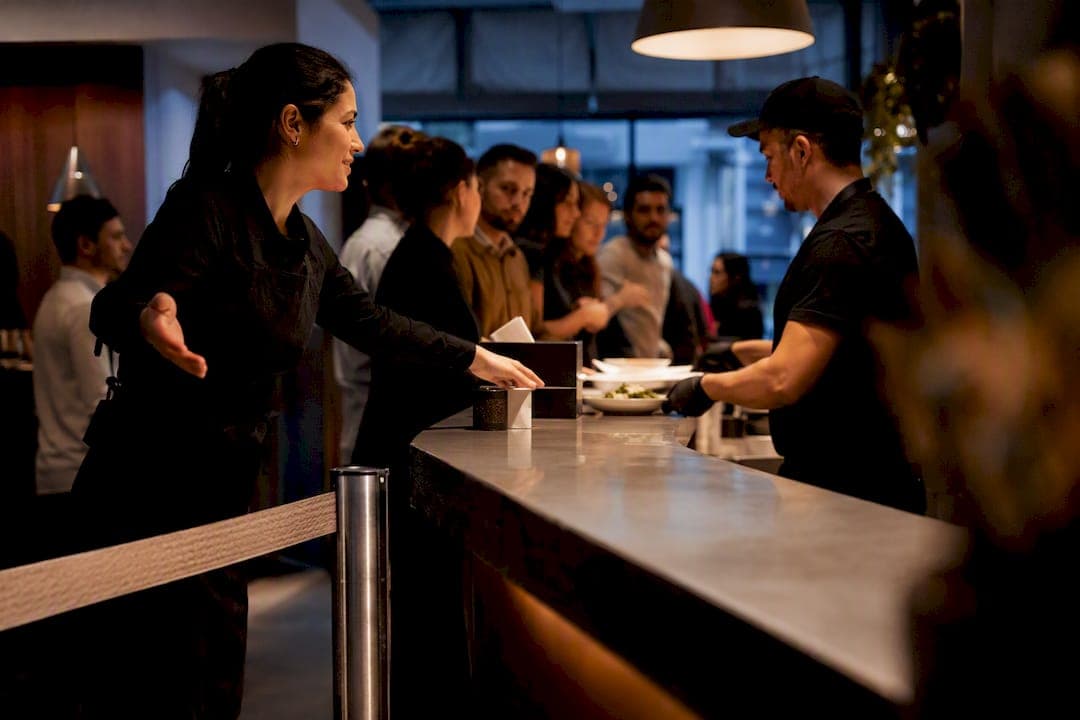
The fastest way to fix peak-hour chaos is to move your line off the sidewalk and onto a screen. Put in a browser-first digital waitlist with SMS alerts, add one clear rule for when to call in extra hands, and test both for two weeks during your worst rush. That combination, run through a tool like Ezseat, fixes more queue pain than any single staffing hire or menu tweak.
TL;DR:
- Moving from a physical line to a browser-based waitlist with SMS alerts quickly reduces walkaways during peak hours.
- Setting fixed queue length triggers for staff additions based on queuing research prevents overstaffing and improves service consistency.
- Monitoring arrival rate, service rate, and utilization helps identify when demand exceeds capacity, signaling the need for immediate action.
- Implementing an express lane, limiting complex orders, and triaging slow tickets can significantly cut wait times without additional staffing costs.
- Properly configured automated waitlists with live updates and notification timing can decrease no-shows and optimize capacity utilization.
Table of Contents
- Quick Action Checklist for Peak Hours
- How Do You Measure Capacity During a Rush?
- Staffing Tactics That Actually Reduce Peak Congestion
- Automated Waitlists: Features That Actually Move the Needle
- How to Pilot Peak-Hour Changes Without Disrupting Service
- Why Ezseat Built This Guide Around Real Operating Pressure
- Test a Browser-First Waitlist During Your Next Rush
- Sources
- FAQ
Quick Action Checklist for Peak Hours
Most operators overcorrect during a rush. They add staff they can't afford or apologize to customers instead of fixing the actual bottleneck. Work through this order instead, starting with what costs nothing.
- Reassign, don't hire. Pull one person from a slow station to run an express lane for quick orders, quick cuts, or simple check-ins. Zero cost, immediate effect.
- Kill the physical line. Switch walk-ins to a browser-based waitlist customers join by scanning a QR code or tapping a link, no app download required. This is low-cost if you already own a tablet or phone.
- Cap party size or ticket complexity during the crunch. A barbershop can pause walk-in beard trims; a food truck can hold complex custom orders until the rush passes.
- Clear the payment or pickup bottleneck first. Queues rarely back up at the front door. They back up where money changes hands or food gets handed over.
- Triage slow tickets. Flag anything running long and reroute it rather than letting it stall the whole line behind it.
Pro Tip: Write a 10-second script for staff to use when switching systems mid-rush: "We're using a text-alert waitlist now, just tap this link. You'll get a message when your table's ready, so grab a seat or step outside." Customers adapt fast when the ask is short and specific.
The subscription step, a digital waitlist platform, matters most once your rush lasts longer than 20 minutes. Below that, a good express lane and a clear queue cap usually get you through.
How Do You Measure Capacity During a Rush?
You don't need a statistics degree to run the numbers that matter here. Three figures tell you almost everything: how fast customers arrive (arrival rate), how fast you can serve them (service rate), and the ratio between the two (utilization).
- Arrival rate (λ): customers or orders showing up per hour.
- Service rate (μ): customers or orders your current staff can actually complete per hour.
- Utilization (ρ = λ/μ): divide arrival rate by service rate. Anything approaching 1 means you're falling behind in real time.
Operations-research case studies on small service businesses show that once utilization crosses roughly 0.75, wait times stop rising in a straight line and start climbing fast. One documented example found that adding a single extra server dropped an unstable, ever-growing line down to under six minutes average wait.
The math that matters: if your utilization ratio (λ/μ) hits 1.0 or higher, your line isn't slow, it's mathematically guaranteed to grow without limit until demand drops. That's the signal to add capacity now, not to wait and see.
During a pilot or any busy shift, watch four numbers daily: average wait time, throughput (customers served per hour), walkaways (people who leave without being served), and average service time per customer. Walkaways are the number owners underestimate most. They rarely show up in a POS report, but a digital waitlist dashboard tracks them automatically.
Staffing Tactics That Actually Reduce Peak Congestion
Adding staff by instinct wastes money. Adding staff by a fixed trigger point does not.
- Use an (N, M) trigger.** Set a queue-length number where you add a helper (N*) and a lower number where you pull them back (M*). Simulation research on small-business queuing policies shows this kind of rule-based server-assist approach measurably cuts customer dissatisfaction compared to reacting on gut feel.
- Overlap shifts by 10 to 20 minutes. Stagger the start and end of shifts so your busiest 15 minutes always has two full crews present, not a handoff gap.
- Carve out an express counter. Dedicate one register, one chair, or one pickup window strictly to fast transactions. Complex orders go elsewhere.
- Build an on-call list. Keep two or three part-time or cross-trained staff who can be texted in on short notice when a rush runs long.
- Cross-train for peak-only tasks. A clinic receptionist who can also check patients in for a quick vitals check absorbs load without a new hire.
The trigger rule matters more than the headcount. A shop that knows exactly when to pull in a second cashier avoids both the overstaffed slow hour and the understaffed rush.
Automated Waitlists: Features That Actually Move the Needle
Not all "digital queue" tools are built the same, and the differences show up fastest during your busiest hour of the week.
- Browser-first join (QR code or URL). No app download means no drop-off at the exact moment you need customers to join quickly.
- SMS notifications. This single feature is repeatedly cited as the biggest driver of reduced walkaways in digital waitlist systems, because customers can step away instead of standing in line.
- Live wait-time estimates. Even a rough estimate keeps people from bailing in the first five minutes.
- Public display or kiosk support. Useful for venues and clinics where a screen replaces a name shouted across a waiting room.
- Multi-queue and multi-device support. A food truck running two windows, or a clinic running intake plus a walk-in track, needs separate lines that don't tangle together.
A multisite, mixed-methods evaluation of automated waitlists published in JMIR in 2026 found these systems reduce no-shows and fill appointment slots that would otherwise go empty, but only when the notification cadence and eligibility rules are actually configured, not left on default settings.
Pro Tip: Set your first notification to fire when a customer is 10 to 15 minutes out, not the instant a table opens. Too early and people arrive to an empty spot they don't trust; too late and you lose the seat to a walk-in.
How to Pilot Peak-Hour Changes Without Disrupting Service
- Baseline first. Track average wait, walkaways, and throughput for one to two weeks before changing anything. You can't measure improvement against a guess.
- Pick two or three tactics, not ten. A digital waitlist plus one staffing trigger is enough for a first pilot. Run it only during your repeatable peak window, like Friday dinner or Saturday morning cuts.
- Log daily KPIs and ask staff what broke. The dashboard tells you the number; your team tells you why it moved.
- Set a go/no-go threshold before you start. A 15% to 30% drop in average wait or walkaways is a reasonable target range based on the operational gains documented in small-business queuing studies.
| Pilot phase | Duration | What to track | Decision point |
|---|---|---|---|
| Baseline | 1–2 weeks | Avg wait, walkaways, throughput | Confirm true peak windows |
| Pilot | 2–4 weeks | Same KPIs + staff feedback | Compare against baseline |
| Scale or revert | After pilot | % change vs. threshold | Roll out, adjust, or drop the change |
Governance matters as much as the tool itself. The JMIR evaluation found that adoption success depended more on cross-functional alignment and iterative configuration than on the software's raw feature list. A perfect waitlist app run without a clear owner still fails.
Why Ezseat Built This Guide Around Real Operating Pressure
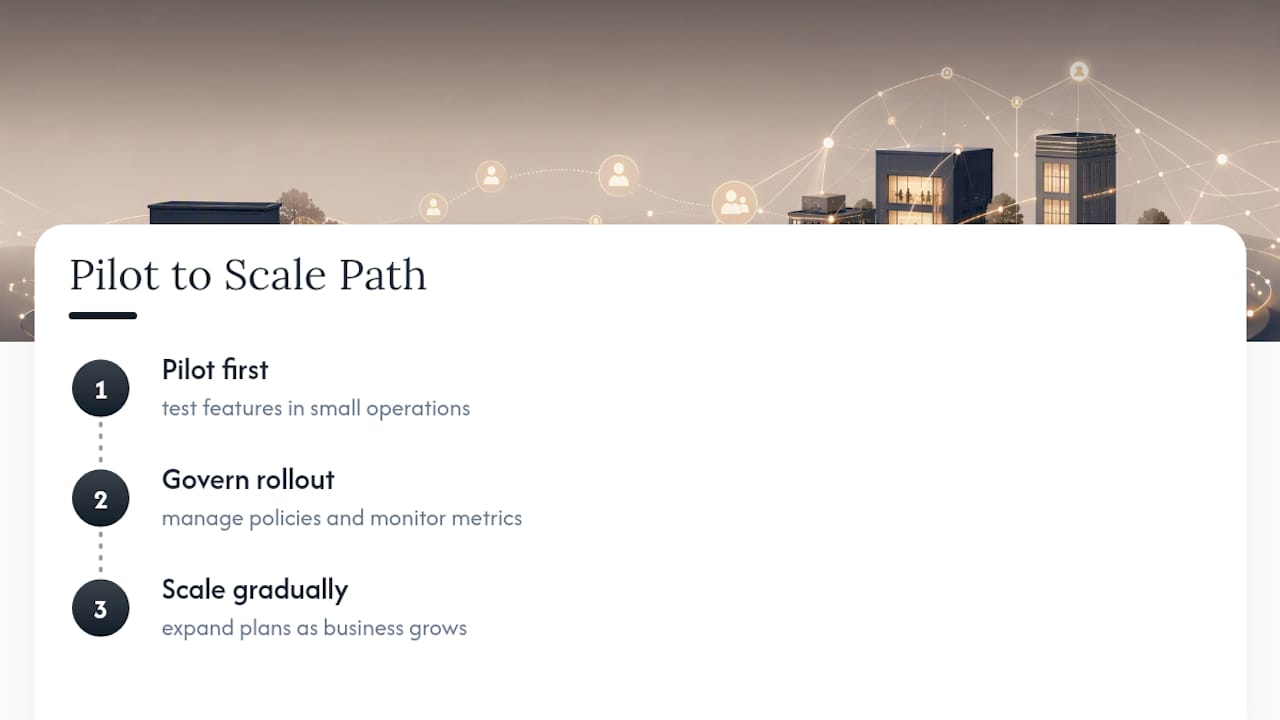
We built Ezseat because shouting names across a waiting room or a food-truck line isn't a system, it's damage control. This guide reflects that same operations-first thinking: browser-first joining, SMS alerts, public displays, and flexible plans that scale as a business grows, all aimed at the exact bottlenecks covered above.
If you want to go deeper, our posts on wait-time estimation, clinic queue management, and reducing walkaways walk through the mechanics behind each recommendation here. Pilot first, govern the rollout, then scale.
— Ezseat
Test a Browser-First Waitlist During Your Next Rush
Ezseat is built for exactly the two levers this guide emphasizes: getting people off a physical line and sending a text to their phone the moment their spot is ready. No app for customers to download and no kiosk hardware required to start.

Start small. Pick your worst 90 minutes of the week, whether that's Saturday walk-ins at the barbershop or the lunch rush at the food truck, and run a two-week pilot with browser-first joining and SMS alerts turned on. Compare your walkaway count before and after. If you're coordinating multiple stations or locations, our guide on multi-queue setups shows how to configure that without adding staff. For businesses weighing hardware needs like networked displays, hospitality IT support can help with the infrastructure side. Ready to see it running in your own space? Start your free trial and set up your first queue today.
Sources
Key research: the JMIR multisite automated-waitlist evaluation, practical platform guidance from NOWAITN on digital waitlists, and the classic (N*, M*) queuing-policy study. For implementation detail, see Ezseat's guides on POS and waitlist integration and waiting area design.
- Automated Waitlists for Ambulatory Appointment Scheduling: Multisite, Mixed Methods evaluation
- Digital Waitlists vs Paper Sign-In Sheets | NOWAITN
- A mechanism for reducing small‐business customer waiting‐line dissatisfaction
FAQ
What Is the Fastest Fix for a Long Peak-Hour Line?
Moving customers from a physical line to a browser-first digital waitlist with SMS notifications typically produces the quickest drop in walkaways, since people can wait elsewhere instead of standing in place.
How Do I Know When to Add Staff During a Rush?
Use a fixed trigger, add a helper once your queue hits a set length (N*) and pull them back once it drops to a lower threshold (M*), rather than reacting by feel; this rule-based approach is backed by queuing-policy simulation research.
What Metrics Should I Track During a Peak-Hour Pilot?
Track average wait time, walkaways, throughput, and average service time daily; a two-week baseline before any change and a two-to-four-week pilot afterward gives you a real before-and-after comparison.
Do Automated Waitlists Actually Reduce No-Shows?
A multisite evaluation published in JMIR found automated waitlists reduce no-shows and fill otherwise wasted capacity, but only when notification timing and eligibility rules are properly configured.
Does Ezseat Work Without Customers Downloading an App?
Yes. Ezseat lets customers join a queue through a browser by scanning a QR code or tapping a link, which removes the download friction that causes people to abandon other waitlist systems.