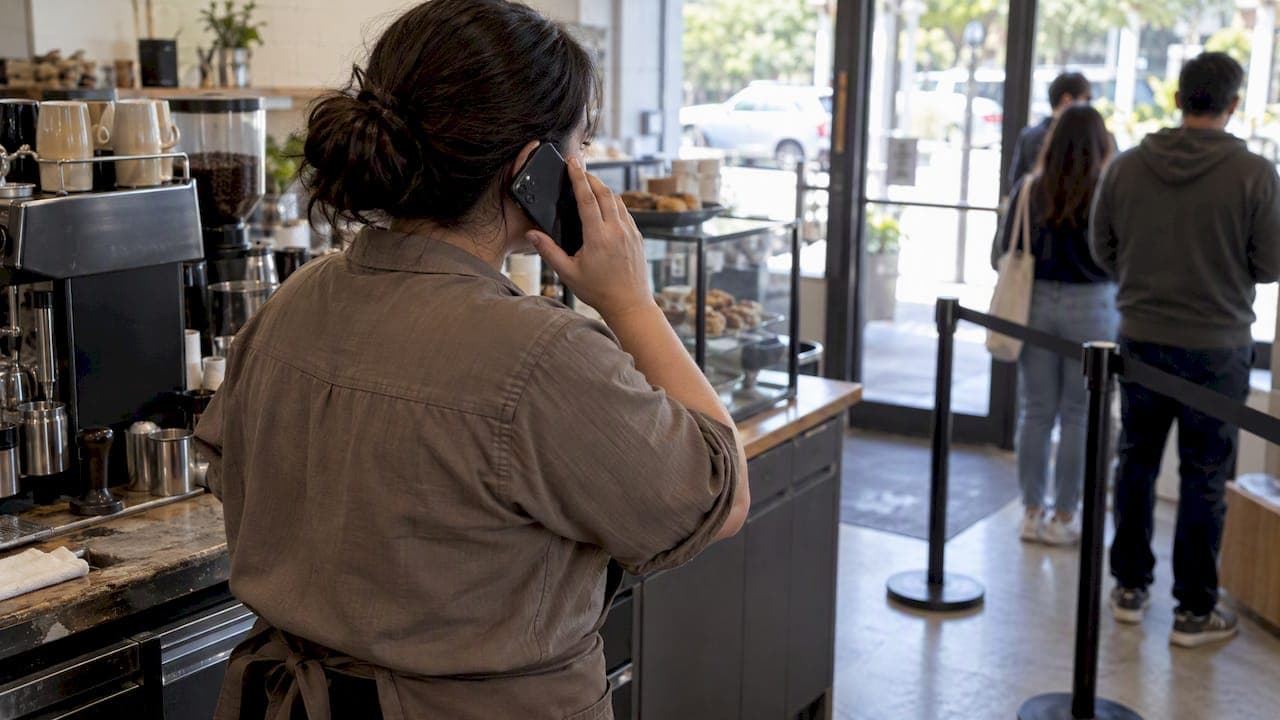
Calls are synchronous and best for immediate, confirmatory conversations; SMS is asynchronous and best for concise, referenceable messages. The simple rule: send a text when someone needs to read, keep, or act on information later, and call when you need to know right now that the message landed. When the stakes are high, such as a medical appointment or a safety issue, layer both: text first, then call if there is no response.
TL;DR:
- SMS delivers messages reliably over weaker connections and stays queued for later reading, unlike calls that depend on live voice lines.
- Call channels are essential for urgent or safety-related messages, but SMS is better suited for reminders or instructions meant for later review.
- Notification settings and device routing can cause missed messages, making troubleshooting steps like checking app permissions crucial before assuming delivery failures.
- Businesses should structure communication workflows with SMS to confirm routine updates and escalate to calls only when necessary, especially for high-stakes situations.
- Ezseat offers a browser-based system that manages queue notifications via SMS and calls, starting at affordable plans with trial options for small to large operations.
Table of Contents
- Comparing speed, reliability, interactivity, and cost
- How SMS, iMessage, RCS, MMS and calls actually work
- Where SMS wins and where a call makes more sense
- Building a simple SMS-and-call workflow
- Fixing missed notifications on iPhone and Android
- How Ezseat applies these rules to queue and appointment flows
- Respecting the recipient while still getting the message through
- A simpler way to manage SMS and call notifications for your business
- Primary sources and documentation
- Sources
- FAQ
Comparing speed, reliability, interactivity, and cost
A phone call interrupts whatever the recipient is doing, which is exactly why it works for urgent matters. SMS waits quietly until someone checks their phone, which makes it better suited to information that does not need an instant reaction. Calls depend on a live cellular voice connection and can fail when someone is on another line or outside signal range; SMS can often get through on a weaker connection and does not require a data plan.
- Speed and attention: a ringing phone demands a response now, while a text waits for a convenient moment.
- Reliability: calls need an open voice line at that exact second, while SMS can be queued and delivered when the device reconnects.
- Interactivity: calls allow real-time back-and-forth, while SMS allows a quick reply without live conversation.
- Referenceability: a text stays in the message thread for later reference, while a call leaves no record unless someone takes notes.
- Cost and permission: SMS campaigns typically require opt-in consent and may carry per-message charges, while calls carry per-minute costs and their own consent rules depending on the recipient's jurisdiction.
The right channel depends entirely on whether the message needs to be seen immediately or simply needs to exist for later.
How SMS, iMessage, RCS, MMS and calls actually work
SMS is the Short Message Service, a text-only format traditionally limited to 160 characters per segment, delivered over the cellular network without requiring an app. iMessage, RCS, and MMS sit on top of or alongside SMS, adding features like read receipts, higher-resolution media, and longer messages, but they depend on the recipient having a compatible app or service, which SMS does not. A phone call, by contrast, opens a live voice channel the moment it connects, which is what makes it synchronous rather than something the recipient can check later.
Device routing adds another layer of unpredictability. An Apple Watch paired to an iPhone may receive a notification instead of the phone, or vice versa, depending on which device is active. Focus and Do Not Disturb modes on iPhone, and notification cooldown settings on Android, can silence or delay alerts without the sender ever knowing. This is why the exact same message can produce a banner and sound on one person's phone and nothing visible on another's, even when delivery technically succeeded.

Where SMS wins and where a call makes more sense
SMS works well for reminders, confirmations, and anything the recipient might need to reread, since it requires no data connection and creates almost no friction for the person receiving it. Calls work better when tone matters, when you need to confirm someone actually received the message, or when the recipient may have accessibility needs that make reading text difficult.
- Choose SMS when: you are sending a reminder, confirmation, or instructions someone will want to check again later.
- Choose a call when: the situation is urgent, requires reassurance, or needs immediate two-way confirmation.
- Watch for: missed alerts caused by notification settings rather than failed delivery, per-message SMS costs, and consent requirements that vary by region.
- Match the channel to the person: someone with a hearing impairment may prefer text, while someone with limited reading ability or low vision may prefer a call.
Pro Tip: When a reminder matters enough that a missed read could cause a real problem, pair it with a short follow-up call instead of a second text.
Building a simple SMS-and-call workflow
A layered sequence beats guessing which single channel will work; see this SMS enrollment preview for practical guidance on effective opt-in flows. Start light, then escalate only if there is no response within a reasonable window.
- Send an SMS reminder at a longer lead time, such as 24 hours before an appointment, to give the recipient time to plan.
- Send a shorter SMS reminder closer to the event, such as one hour before, as a last nudge.
- If there is no reply or confirmation within 10 to 15 minutes of the event, escalate to a phone call.
- For anything safety-related or high-consequence, include at least one synchronous channel from the start rather than waiting to escalate. A 2013 peer-reviewed study of 1,318 organizational members found that redundant messaging including a synchronous channel like phone produced the fastest sense of emergency urgency, while asynchronous channels alone produced the lowest.
- Always include opt-in consent, a clear way to unsubscribe, and transparency about message frequency before sending recurring SMS alerts.
Fixing missed notifications on iPhone and Android
Most "missed" messages are a settings problem, not a delivery failure. Run through the basics before assuming something went wrong on the sender's end.
- On iPhone, check that notifications are allowed for Messages and Phone, review Focus and Do Not Disturb, confirm the conversation isn't muted, and check spam filters; Apple Support also recommends toggling Send as Text Message to force an SMS fallback when iMessage fails.
- On Android, check per-app notification settings, notification cooldown or minimization, battery saver interaction, and confirm which app is set as the default SMS app, as described in Google's notification controls.
- Check notification history on both platforms to see whether an alert actually arrived silently.
- If settings look correct, contact the carrier, since routing issues on their end can occasionally block delivery.
Pro Tip: Test with a second number or a different carrier before concluding a message never reached the recipient.
How Ezseat applies these rules to queue and appointment flows
Queue systems live or die on timing, so Ezseat's browser-based model leans on the same SMS-first, call-escalation logic. A guest joins a queue from their browser, gets an SMS when their turn is close, and the business can choose to add a call for no-shows or walkaways rather than relying on text alone. This mirrors the operational pattern described in Ezseat's own guide to SMS queue notifications, where text handles the routine callback and a call steps in only when a guest doesn't respond. Businesses running multi-device setups also lean on staff notification workflows to keep internal teams aligned without over-alerting anyone, and operators weighing routing options can review the tradeoffs in short code versus 10DLC delivery.

Respecting the recipient while still getting the message through
The honest trade-off in notification design is between being heard and being annoying. Favor a single, well-timed SMS over multiple reminders, and reserve a call for the moment it actually matters, like a no-show risk or a safety concern. A workable policy looks like one SMS reminder, one follow-up, then a call only if neither gets a response, with opt-outs honored immediately and without friction.
— Ezseat
A simpler way to manage SMS and call notifications for your business
Ezseat runs entirely in a browser, so customers join a queue without downloading anything, and operators manage the flow from a phone or tablet without extra hardware. 
- SMS handles the routine "you're almost up" message, and an optional call covers the moments when a guest doesn't respond, all built into the same system.
- Plans scale with the business: Light starts at $3.90 per month or $39.00 per year, and Pro runs $14.90 per month or $149.00 per year for higher-volume operations.
- A free two-month trial lets you test SMS-first, call-escalation workflows before committing to a plan.
If you run a restaurant, clinic, food truck, or event and want queue callbacks that respect your customers' attention without losing track of no-shows, try Ezseat and see how the workflow fits your floor.
Primary sources and documentation
Claims in this article draw on a 2013 peer-reviewed communication study, Apple and Google support documentation on notification behavior, a Twilio industry comparison of push versus SMS, and Ezseat's own operational posts on queue callback timing.
Sources
- Human Communication Research — study on urgency and communication channels (2013)
- Digital Trends — iPhone not getting text notifications (troubleshooting)
- Apple Support — If you can't send or receive messages on iPhone or iPad
- Jatheon blog — SMS vs iMessage
- Google Support — Control notifications on Android
- Twilio blog — Push notifications vs SMS (2025)
FAQ
Why is my iPhone not notifying me of calls and texts?
The most common causes are Focus or Do Not Disturb being on, notifications disabled for Messages or Phone, or a conversation being muted. Apple Support also recommends checking spam filters and toggling Send as Text Message if iMessage delivery is failing.
Where is SMS on my phone?
SMS messages appear in your phone's default Messages app, the same place text conversations and iMessages show up, though they may display differently depending on the app. On Android, check which app is set as your default SMS app in notification settings if texts seem to be missing.
What does an SMS notification look like?
A typical SMS notification shows as a banner or lock-screen alert with a sound or vibration, and it can also appear as a status-bar icon. On devices with a paired Apple Watch, the alert may route to the watch instead of the phone depending on which device is active.
Is an SMS the same as a text message?
Yes, SMS stands for Short Message Service and is the underlying technology behind standard text messages. Newer formats like iMessage, RCS, and MMS add features such as media and read receipts but fall back to SMS when those features aren't supported on the receiving device.